
2026 Digital Marketing Trends Guide for Growth
Unlock the future with our 2026 digital marketing trends guide. Discover AI personalization, GEO, and more strategies for lasting growth!


TL;DR:
- Small businesses face significant cyber threats and must prioritize basic cybersecurity practices.
- Consistent security measures like asset inventory, MFA, regular updates, and backups are essential.
- Ongoing discipline and routine testing outperform reliance on advanced tools alone.
Small businesses are not small targets. 43% of cyberattacks hit SMBs directly, and ransomware shows up in 88% of SMB breaches. That is not a statistic you can afford to ignore when your website is your storefront, your lead generator, and your reputation all rolled into one. The good news? You do not need a six-figure IT budget to lock things down. You need a clear, repeatable checklist and the discipline to follow it. This guide gives you exactly that: a practical, evidence-based roadmap to protect your digital assets and build real customer trust.
| Point | Details |
|---|---|
| Inventory all website assets | Mapping and securing domains, CMS, plugins, and email reduces hidden risks and enables smarter protection. |
| Enable MFA everywhere | Multi-factor authentication on admin panels and services sharply cuts the risk of account compromise. |
| Update software and plugins | Regular updates and patching defend against the fast-growing threat of exploited vulnerabilities. |
| Test backup recovery quarterly | Quarterly restore tests confirm your website can recover quickly after ransomware or accidental deletion. |
| Simplicity and discipline win | Consistently applying basic security controls outperforms chasing new tools or technologies. |
Before you can protect anything, you need to know what you have. Most SMB owners underestimate how many moving parts their website actually depends on. It is not just the site itself. It is the domain registrar, the hosting account, the CMS, every plugin, every third-party integration, and every email account tied to the business. Each one is a potential entry point.
Start by building a simple asset inventory. Write down every tool, service, and vendor that touches your website or business data. This is not busywork. CISA’s Cybersecurity Performance Goals 2.0 explicitly recommend that businesses inventory assets and enforce email security controls as foundational steps. Skipping this means you are defending a perimeter you have never actually mapped.
Here is what your inventory should cover:
Email security deserves special attention. Three protocols work together to stop spoofing and phishing:
| Protocol | What it does | Priority |
|---|---|---|
| SPF | Authorizes which servers can send email on your behalf | High |
| DKIM | Adds a digital signature to verify email authenticity | High |
| DMARC | Enforces policy when SPF/DKIM checks fail | Critical |
If you have not set up all three, your domain can be spoofed to attack your own customers. That is a trust problem, not just a tech problem. Pair this with a review of your website essentials for 2026 to make sure your foundation is solid before moving to the next layer.
Passwords are broken. Not in theory. In practice. Credential stuffing, phishing, and brute-force attacks make single-password logins a liability. Multi-factor authentication (MFA) adds a second verification step that stops most of these attacks cold.
NIST and CISA both recommend phishing-resistant MFA, especially hardware security keys, for any privileged or administrative account. For most SMBs, app-based MFA is a strong and practical starting point.
Here is a quick comparison of your MFA options:
| MFA type | Security level | Best for |
|---|---|---|
| SMS codes | Low (SIM-swappable) | Low-risk accounts only |
| Authenticator app | Medium-High | Admin panels, email, hosting |
| Hardware key (YubiKey) | Highest | Privileged/admin roles |
Where should you enable MFA right now? Follow this order:
Access control goes beyond MFA. Assign roles carefully. Not every team member needs admin-level access. Use the principle of least privilege: give people only the permissions they actually need to do their job. Review your user list quarterly and remove anyone who no longer needs access.
Pro Tip: Set a recurring calendar reminder every 90 days to audit your WordPress user list. Dormant accounts with admin privileges are a favorite target for attackers.
Good professional website management includes access audits as a standard practice, not an afterthought. If your current setup does not include this, it is time to rethink who is actually watching the door.
Outdated software is the number one way attackers get into WordPress sites. Not the most sophisticated way. The most common way. A plugin that has not been updated in six months is an open invitation.

Vulnerability exploitation jumped 34% in recent breach data, and the pattern is consistent: attackers scan for known vulnerabilities in outdated plugins and themes, then exploit them at scale. Your site is not being targeted by a human hacker sitting at a keyboard. It is being swept by automated bots looking for easy wins.
Here is what a solid update routine looks like:
Statistic to remember: Vulnerability exploitation increased 34% year over year. Automated patching and weekly reviews are no longer optional for SMBs.
Automation helps. WordPress has built-in auto-update settings for minor releases and plugins. Turn them on. Use a security plugin like Wordfence or Patchstack to get alerts when a new vulnerability is disclosed for software you are running. Do not wait for your monthly check-in to find out a critical patch dropped two weeks ago.
Be careful with rapid website update strategies that skip testing. Pushing updates without a staging environment can break functionality. Always test on a staging site first, then push to production. And if you want to see what happens when updates are mismanaged, the website update mistakes that DIY owners make are a cautionary tale worth reading.
Every security plan eventually faces a worst-case scenario. Ransomware locks your files. A bad plugin update corrupts your database. An employee accidentally deletes a critical page. When that happens, your backup is the only thing standing between you and starting over from scratch.
The industry standard is the 3-2-1 backup rule. 3-2-1 backups and quarterly restore tests are explicitly recommended for SMBs facing ransomware risk. Here is what it means in practice:
The immutable backup is the piece most SMBs skip. If ransomware encrypts your server and your backup is stored on the same server, you have nothing. An offsite backup, ideally stored in a service like Backblaze or AWS S3 with versioning enabled, gives you a clean restore point that attackers cannot touch.
“Ransomware is present in 88% of SMB breaches. A backup you have never tested is a backup you cannot trust.”
Pro Tip: Schedule a quarterly restore drill. Pick a non-critical page or database table and actually restore it from backup. If you cannot complete the restore, your backup strategy is broken and you just found out before a crisis forced you to.
The restore test is the most neglected step in SMB security. Everyone assumes their backup is working. Most have never verified it. Pair your backup routine with a review of the essentials for a safe website to make sure every layer of your site is covered.
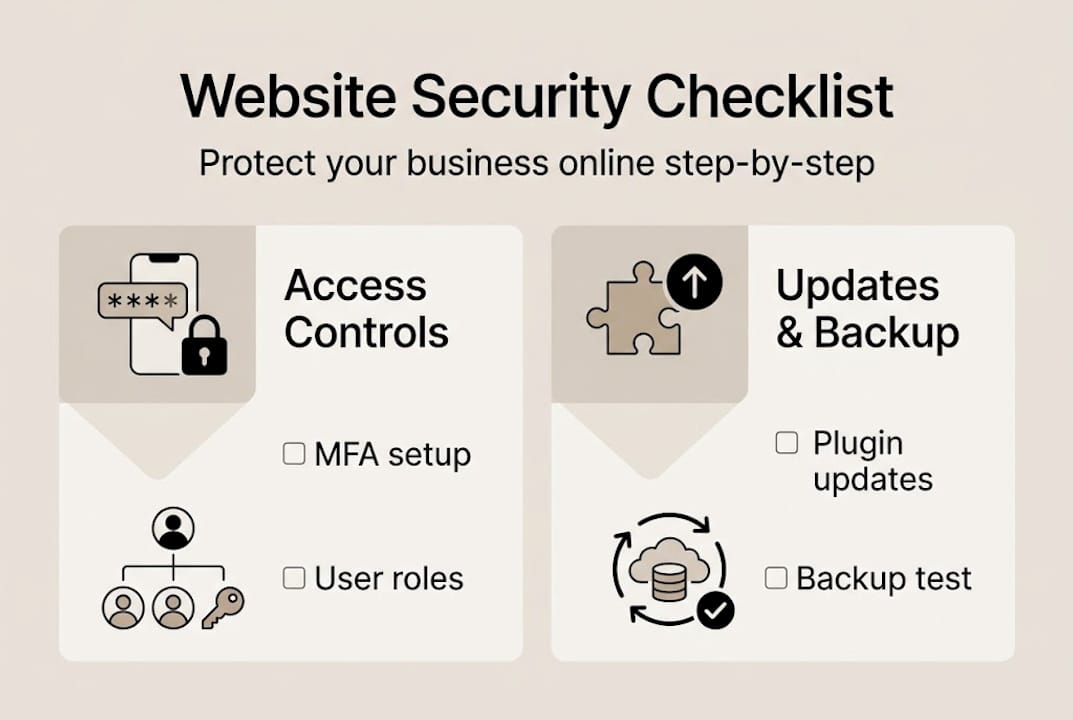
Here is the uncomfortable truth about SMB cybersecurity: most breaches do not happen because a business lacked advanced tools. They happen because the basics were not done consistently. MFA was enabled on some accounts but not all. Plugins were updated when someone remembered. Backups existed but were never tested.
CISA’s own guidance reinforces this: consistent execution of foundational controls outperforms chasing the latest security technology. Auditors and cyber insurers are not impressed by your tool stack. They want documented evidence of regular reviews, assigned ownership, and tested recovery plans.
We have seen business owners spend thousands on security software while their WordPress admin still had 12 users with admin roles and no MFA. That is where the risk actually lives. Assign ownership for each control on this checklist. Put it on a calendar. Review it quarterly. The businesses that avoid DIY headaches are the ones that treat security like a system, not a one-time project. Discipline is the differentiator.
Security is not a one-time setup. It is an ongoing commitment that requires attention, expertise, and the right infrastructure from day one. That is exactly what we build into every site at MonsterWP.

Every custom WordPress website we deliver is optimized for speed, security, and SEO from launch. We handle updates, monitor vulnerabilities, and manage your site so you are not left guessing whether your plugins are current or your backups are working. If you are ready to stop patching security gaps on your own and want a fully managed solution, explore our managed WordPress management plans. No bloated retainers. No guesswork. Just a site that works and a team that keeps it that way.
The 3-2-1 rule means three copies of your data, two types of storage media, and one offsite or immutable backup. It ensures you can recover your site after ransomware, accidental deletion, or server failure, as recommended for SMBs facing rising ransomware risk.
Weekly reviews are the standard, with immediate updates for any known exploited vulnerabilities. Automated patching combined with security alerts keeps your site ahead of the most common attack vectors.
Yes. App-based and hardware-based MFA dramatically reduce unauthorized access risk. NIST and CISA recommend phishing-resistant MFA for all privileged accounts as a non-negotiable baseline control.
Absolutely. Third-party breaches account for 30% of SMB attacks, which is why asset inventory and regular vendor reviews are critical parts of any security checklist.
Most insurers require documented evidence of MFA, current software, reliable backups, and routine security reviews. CISA, NIST, and FTC guidance all align on these as the minimum standard for coverage eligibility.
Unlock the future with our 2026 digital marketing trends guide. Discover AI personalization, GEO, and more strategies for lasting growth!

Discover what is predictable pricing in web services and learn how fixed costs can empower your SMB’s budget. Gain financial control today!