
The Role of Google Search Ranking for Business Growth
Discover the crucial role of Google search ranking in driving business growth. Learn how to optimize your online presence and boost visibility!


Juggling a website redesign while running your business feels overwhelming. Most founders spend weeks managing revisions, debugging issues, and worrying about lead generation while their core work suffers. A managed redesign approach reduces oversight time by 60%, letting you focus on growth instead of tech headaches. This guide walks you through a streamlined, phased process built specifically for small business owners seeking cost-effective redesigns that deliver leads without constant babysitting.
| Point | Details |
|---|---|
| Prepare prerequisites first | Allocate $3,000 to $10,000 upfront budget, define clear lead goals, and plan SEO basics before starting. |
| Follow a phased redesign process | Discovery, planning, design, development, testing, and launch typically span 8 to 12 weeks with managed support. |
| Optimize for speed and SEO | Implement structured content, mobile responsiveness, and AI Engine Optimization to boost organic leads by 35%. |
| Avoid common mistakes | Ignoring mobile design causes 40% engagement drops; always prioritize responsive layouts and security audits. |
| Track measurable success metrics | Monitor lead growth, site speed improvements, and reduced oversight time to evaluate redesign ROI. |
Redesigning your website isn’t just a refresh. It’s a strategic move to capture more leads, improve user experience, and support sustainable growth. For small businesses, a well-executed redesign directly impacts revenue by converting visitors into qualified prospects.
Most founders underestimate the commitment. Typical redesign timelines are 8 to 12 weeks, requiring budget allocation, technical decisions, and ongoing adjustments. Without professional support, you risk delays, budget overruns, and a site that fails to deliver results.
A phased approach simplifies complexity. Breaking the project into discovery, design, development, and testing reduces risk and keeps timelines predictable. Clear goals upfront paired with managed services increase success rates and free you from constant oversight.
Key benefits of a strategic redesign include:
Understanding website redesign benefits in 2026 helps you set realistic expectations and invest wisely.
Starting a redesign without proper preparation wastes time and money. You need a clear budget, defined goals, and the right tools to ensure smooth execution and avoid expensive mid-project pivots.
Budget allocation comes first. Plan for $3,000 to $10,000 upfront to cover design, development, and initial setup. Add $299 per month for managed services that handle hosting, updates, and ongoing optimizations. This dual investment protects your site long term while keeping monthly overhead predictable.
Define specific business goals before touching design. Are you capturing email leads, booking consultations, or driving product sales? Vague objectives lead to weak conversion strategies. Write down your top three lead generation priorities and how you’ll measure success.
Choose WordPress with Elementor Pro for flexibility and speed. This combination lets you build custom layouts without coding, iterate quickly based on feedback, and maintain control over content updates. Understanding the managed WordPress subscription model helps you avoid overpriced agency retainers.
Prepare your content framework and SEO planning tools:
| Prerequisite | Recommended Approach |
|---|---|
| Budget planning | $3,000 to $10,000 upfront plus $299/month managed service |
| Goal clarity | Define top 3 lead generation priorities with measurable KPIs |
| Platform choice | WordPress with Elementor Pro for speed and flexibility |
| Content readiness | Audit existing content, research keywords, gather assets |
Clarity upfront saves you from costly revisions later. Knowing your website redesign prerequisites ensures you hit the ground running when development begins.
A structured redesign process eliminates guesswork and keeps your project on track. Following these six phases ensures you launch a high-performing site that drives leads without constant founder intervention.
Discovery phase: Meet with your team or agency to clarify business needs, audience pain points, and specific lead generation goals. Document current site performance, conversion bottlenecks, and competitive positioning. This phase typically takes one to two weeks and sets the foundation for all subsequent work.
Planning phase: Establish your budget, finalize the 8 to 12 week timeline, and map out SEO objectives. Create a detailed site structure with wireframes showing navigation flow and key conversion points. Assign responsibilities for content creation, design feedback, and technical testing.
Design phase: Develop mobile-responsive prototypes that reflect your brand and prioritize lead capture. Use Elementor Pro to create interactive mockups you can review and iterate on quickly. Gather stakeholder feedback early to avoid major revisions during development.
Development phase: Build the site using WordPress and Elementor Pro, integrating speed optimizations, security protocols, and SEO best practices from day one. Configure lead capture forms, analytics tracking, and third-party integrations like CRM systems or email marketing tools.
Testing phase: Conduct thorough QA across devices and browsers to ensure speed, security, and lead capture functionality work flawlessly. Test forms, check broken links, verify mobile responsiveness, and run security audits. Fix issues before launch to avoid post-launch scrambles.
Launch and maintenance: Deploy the site with a post-launch review to monitor performance and address any immediate issues. Transition to ongoing managed services for unlimited content updates, security patches, and continuous optimizations that keep your site competitive.
Pro Tip: A phased approach supports 90% project success rates with predictable 8 to 12 week timelines. Breaking work into discrete phases reduces risk and keeps stakeholders aligned.
See how this process delivered results in a real website launch case study for an Omaha-based business.
Speed, security, and search visibility determine whether your redesigned site generates leads or gathers dust. Technical optimization isn’t optional. It’s the foundation of organic growth and user trust.

Fast loading directly impacts conversions. Google penalizes slow sites, and users abandon pages that take more than three seconds to load. Elementor Pro speeds up loading by 40% through optimized code, lazy loading images, and streamlined CSS. Compress images, enable caching, and minimize JavaScript to keep performance high.
Implement SEO and AI Engine Optimization together. Traditional SEO targets Google rankings, while AEO optimizes for AI-powered search tools like ChatGPT and voice assistants. SEO and AEO can boost organic leads by 35% by making your content discoverable across multiple search ecosystems. Structure content with clear headings, concise answers, and schema markup.
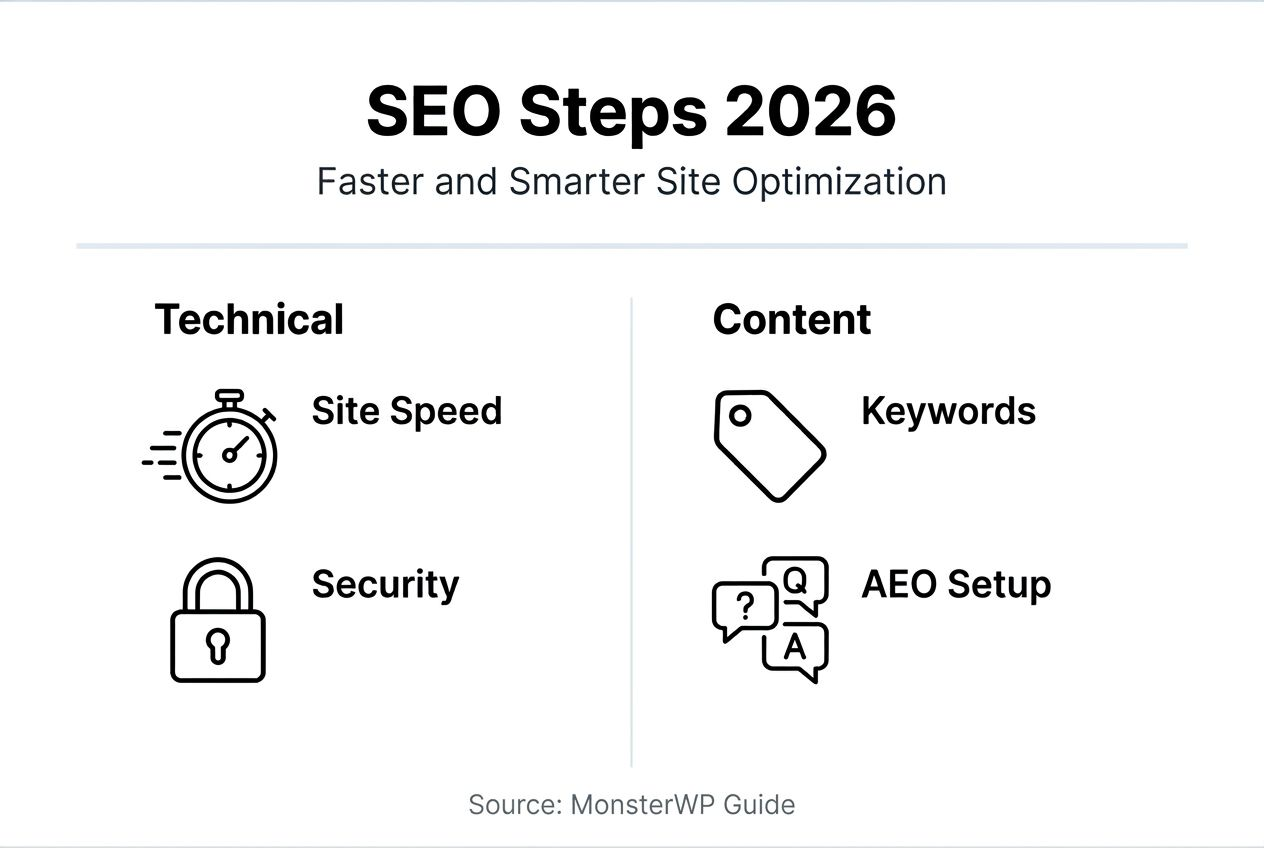
Structured content improves AI and voice search visibility. Use FAQ schemas, product schemas, and local business markup to help search engines understand your content. Write in natural language that answers specific user questions. This increases your chances of appearing in featured snippets and voice search results.
Key optimization tactics include:
“Speed and security aren’t technical luxuries. They’re business essentials that protect revenue and build customer trust.”
Explore advanced AI and SEO strategies to stay ahead of search algorithm changes and maximize organic lead flow.
Redesign failures stem from predictable mistakes that drain budgets and delay launches. Knowing these pitfalls lets you avoid expensive do-overs and protect your investment.
Mobile unfriendliness kills engagement. Ignoring mobile responsiveness causes a 40% drop in engagement because most visitors browse on smartphones. If your site doesn’t adapt seamlessly to small screens, you lose leads before they even read your content. Always design mobile-first and test across multiple devices.
Undefined lead goals create weak conversion results. Building a beautiful site without clear calls to action or lead capture mechanisms wastes your redesign investment. Before development starts, map out exactly how visitors will convert into prospects. Place lead forms strategically, offer valuable content upgrades, and make contact options obvious.
Skipping security audits increases hacking risks. Vulnerabilities in plugins, outdated WordPress versions, or weak passwords invite attacks that compromise customer data and destroy trust. Schedule regular security scans, keep software updated, and use strong authentication methods.
| Mistake | Impact | Fix |
|---|---|---|
| Mobile unfriendliness | 40% engagement drop | Implement responsive design, test on real devices |
| Undefined lead goals | Weak conversion rates | Map conversion paths, place strategic CTAs |
| Skipped security audits | Increased hacking risk | Schedule regular scans, update software promptly |
| Poor site speed | High bounce rates, low rankings | Optimize images, enable caching, use fast hosting |
Pro Tip: Managed services reduce these risks by handling security, updates, and optimization automatically. You avoid the technical hassles while maintaining a high-performing site.
Learn from real examples in this guide on common redesign mistakes and how business owners overcame them.
Setting realistic expectations around budget and timeline prevents surprises and keeps your project on track. Clear metrics let you measure ROI and justify the investment.
Expect 8 to 12 weeks from initial discovery to launch. Rushed projects cut corners on testing and optimization, leading to post-launch issues. Typical timelines are 8 to 12 weeks when you work with experienced teams who follow structured processes. Factor in time for stakeholder feedback and revisions.
Budget $3,000 to $10,000 upfront for design and development, plus $299 per month for managed services. Upfront costs cover custom design, site build, initial SEO setup, and content migration. Monthly fees include hosting, unlimited content updates, security monitoring, and rapid revisions. This pricing model eliminates surprise bills and keeps overhead predictable.
Track these success metrics post-launch:
| Metric Category | What to Measure | Target Improvement |
|---|---|---|
| Lead generation | Form submissions, bookings | 25% to 50% increase in 3 months |
| User engagement | Bounce rate, time on site | 15% to 30% improvement |
| SEO performance | Organic traffic, rankings | 20% to 40% growth in 6 months |
| Site speed | Page load time, Core Web Vitals | Sub-3 second load times |
| Time savings | Hours spent on site oversight | 60% reduction |
Use these metrics to evaluate redesign ROI and make data-driven decisions about ongoing optimizations. Understanding the managed redesign pricing model helps you plan budgets and justify costs to stakeholders.
Managed services transform website ownership from a constant headache into a growth asset. Instead of troubleshooting plugins at midnight, you focus on serving customers while experts handle the technical work.
Managed WordPress services reduce oversight time by 60% by taking care of updates, security patches, content revisions, and performance monitoring. You submit requests, and the team executes quickly without requiring your technical input or project management.
Unlimited content updates and rapid revisions keep your site current without extra fees. Need to update pricing, add a new service page, or refresh testimonials? Submit a request and get changes live within 48 hours. No hourly billing, no revision limits, no surprise invoices.
Clear upfront pricing with no long-term contracts removes financial risk. You pay $299 per month for comprehensive management without getting locked into multi-year agreements. If your needs change or you want to move on, you’re free to do so without penalties.
Expert handling of SEO, security, and hosting ensures professional-grade performance without hiring in-house specialists. Your managed team monitors search algorithm changes, applies security patches immediately, and optimizes hosting configurations for maximum speed. You get enterprise-level infrastructure at small business pricing.
Key benefits include:
“Managed services free founders from technical babysitting. You get a high-performing website without becoming a webmaster.”
Explore how a custom managed WordPress website delivers results without the usual headaches.
MonsterWP handles your entire redesign from discovery to ongoing maintenance, delivering a lead-generating website without the usual founder stress. Our expert team builds custom WordPress sites using Elementor Pro, optimized for speed, security, and SEO from day one.

You get affordable pricing tailored for small business budgets: transparent upfront costs and $299 per month for unlimited updates, hosting, and support. No long contracts. No bloated retainers. Just clear execution and measurable results.
Boost lead generation with built-in SEO and lightning-fast page speeds that convert visitors into prospects. Our managed WordPress SEO and PPC services integrate seamlessly, creating a complete digital growth system. You save time, reduce oversight by 60%, and focus on what you do best: running your business.
Ready to launch? Explore our custom managed WordPress website options or learn more about MonsterWP’s service process to see how we deliver fast, hassle-free redesigns.
Most redesigns take 8 to 12 weeks from discovery to launch when following a structured, phased approach. This timeline includes planning, design, development, testing, and final deployment. Rushing the process often leads to poor results and post-launch issues.
Upfront costs usually range from $3,000 to $10,000 for custom design and development. Add $299 per month for managed services covering hosting, unlimited updates, security, and ongoing optimizations. This pricing model eliminates surprise bills and keeps budgets predictable.
Use tools like Elementor Pro to boost site speed by approximately 40% through optimized code and lazy loading. Integrate SEO and AI Engine Optimization from the start with structured content, schema markup, and keyword mapping. Implement mobile-responsive designs and compress images to improve Core Web Vitals scores.
Managed services reduce oversight time by 60%, freeing you from technical headaches and constant maintenance tasks. You get ongoing updates, security monitoring, and expert SEO support without hiring in-house specialists. This lets you focus on core business growth while maintaining a high-performing website.
Discover the crucial role of Google search ranking in driving business growth. Learn how to optimize your online presence and boost visibility!

Discover what is Elementor Pro and how it elevates your website design with advanced features, powerful tools, and seamless customization!