
WordPress maintenance guide 2026: protect your site
Learn essential WordPress maintenance steps to protect your site from hacks, boost speed by 200%, and increase leads. Proven strategies for business owners in 2026.


Managing a WordPress website shouldn’t drain your time or budget. Many small business owners struggle with slow load times, security threats, and technical headaches on shared hosting plans that weren’t built for growth. Managed WordPress hosting eliminates these pain points by combining optimized infrastructure with automated maintenance, letting you focus on what matters: growing your business and generating leads.
| Point | Details |
|---|---|
| Automation reduces burden | Managed WordPress hosting automates updates, backups, and security monitoring so you avoid technical tasks. |
| Performance drives results | Specialized infrastructure and caching deliver 30-60% faster page loads, improving SEO and conversions. |
| Cost reflects value | Higher monthly fees compared to shared hosting include expert support and reliability that protect revenue. |
| Plugin limits ensure stability | Some providers restrict plugins to maintain security and performance standards. |
| Growth support built in | Better uptime, speed, and SEO capabilities directly enhance lead generation potential. |
Managed WordPress hosting combines optimized server infrastructure with WordPress-specific management services that handle the technical work for you. Unlike basic shared hosting where you’re responsible for updates and security, managed hosting providers take care of WordPress core updates, plugin updates, theme updates, daily backups, security monitoring, and expert support.
This approach frees small business owners from constant technical maintenance. Your website stays fast, secure, and stable without requiring IT expertise or dedicated staff time. As your traffic grows, the infrastructure scales smoothly to handle demand.
Common features you’ll find across managed WordPress hosting include:
For businesses evaluating WordPress hosting options, understanding these core components helps clarify what you’re actually paying for. The service layer is just as important as the hosting infrastructure itself. Together, they create an environment designed specifically for WordPress performance and reliability, not generic web hosting that happens to run WordPress.
Speed directly impacts your bottom line. Managed hosting environments use server-level caching, content delivery networks, and optimized configurations that deliver 30-60% faster page load times compared to typical shared hosting. This performance boost improves user experience, reduces bounce rates, and strengthens your SEO rankings.

Stability matters just as much as raw speed. When traffic surges from a successful marketing campaign or seasonal demand, managed hosting handles the load with fewer errors and minimal downtime. Shared hosting often buckles under pressure, causing frustrated visitors and lost sales opportunities.
Key performance advantages include:
Better performance translates to measurable business results. Faster sites convert better, rank higher, and create positive first impressions that build trust. For growing businesses, consistent website maintenance and performance optimization become competitive advantages.
Pro Tip: Request performance benchmarks from providers before committing. Look for specific Core Web Vitals improvements and uptime guarantees that protect your revenue during critical business periods.
Evaluating top managed WordPress hosting providers requires looking beyond marketing claims to actual infrastructure capabilities. The right provider should demonstrate clear performance metrics and explain how their caching strategy works. If you need help choosing between a managed service or building your own solution, compare options against your growth timeline and available technical resources. Starting with affordable fully managed WordPress hosting often proves more cost effective than DIY approaches that consume valuable time.
Security threats evolve constantly. Managed WordPress hosting providers automatically install the latest WordPress core updates, themes, and plugins daily, with backups covering the last 30 days. This automation eliminates the common vulnerability window that hackers exploit when sites run outdated software.
Daily backups create safety nets for your business. Whether you accidentally delete content, a plugin breaks your site, or a security incident occurs, you can restore to a previous version quickly. Most managed hosts retain 30 days of backups, giving you multiple recovery points.
Advanced security measures work continuously in the background:
These protections matter more than ever. Hundreds of WordPress plugin and theme vulnerabilities are reported weekly, making proactive security essential rather than optional. Managed hosting providers monitor these threats and deploy patches before your site becomes a target.
“The average small business website faces thousands of automated attack attempts monthly. Managed WordPress hosting’s built-in security protocols provide defense layers that would cost significantly more to implement independently.”
Staging environments let you test updates safely before pushing changes live. This feature prevents the nightmare scenario where an update breaks your site during business hours. You can preview exactly how new plugins or theme changes will behave, then deploy with confidence.
Pro Tip: Use staging environments religiously before major updates or design changes. The few extra minutes of testing prevent hours of emergency troubleshooting and potential revenue loss from site downtime.
Comprehensive WordPress maintenance checklists cover these security essentials and more. Understanding managed WordPress security features helps you evaluate providers based on actual protection capabilities, not just marketing promises. Current WordPress security risks in 2026 continue evolving, making automated defense systems increasingly valuable.
Several myths prevent business owners from upgrading their hosting. Let’s address the most common misunderstandings that could be costing you money and opportunities.
Misconception: Shared hosting meets all small business needs. Reality: Shared hosting performance degrades as traffic grows, causing slow page loads, frequent errors, and missed lead opportunities. What works for a starter blog fails when you’re running serious marketing campaigns.
Misconception: Managed hosting costs too much. Reality: While managed hosting costs more upfront, the total investment pays for itself through reduced downtime, stronger security, expert support, and time savings. Calculate the value of your time spent troubleshooting hosting issues, then compare against managed hosting fees.
Misconception: All plugins work on managed hosting. Reality: Some managed hosting providers restrict plugins that create security risks or performance problems. These limitations protect all users on the platform and typically affect caching plugins or poorly coded extensions you shouldn’t use anyway.
Key clarifications:
Understanding these realities helps you evaluate hosting options based on actual business needs rather than initial sticker shock. The cheapest hosting rarely proves economical when you factor in lost sales from downtime, security breaches, or slow performance that drives visitors away.
Choosing the right hosting requires understanding how different options stack up for small business needs. This comparison clarifies what you actually get at each price point.
| Hosting Type | Monthly Cost | Performance | Support Level | Key Features | Best For |
|---|---|---|---|---|---|
| Shared | $3-10 | Limited | Basic | Email support, basic uptime | Starter sites, low traffic |
| VPS | $20-80 | Moderate | Technical | Root access, configurable | Tech-savvy users |
| Dedicated | $100+ | High | Technical | Full control, high resources | Enterprise, high traffic |
| Managed WordPress | $25-30 | Optimized | Expert | Auto updates, security, backups | Growing SMBs, business sites |
Managed WordPress hosting costs roughly $25-30 monthly with automatic updates, expert support, and optimized infrastructure, while shared hosting costs $3-10 monthly with fewer features. The price difference reflects fundamentally different service levels.
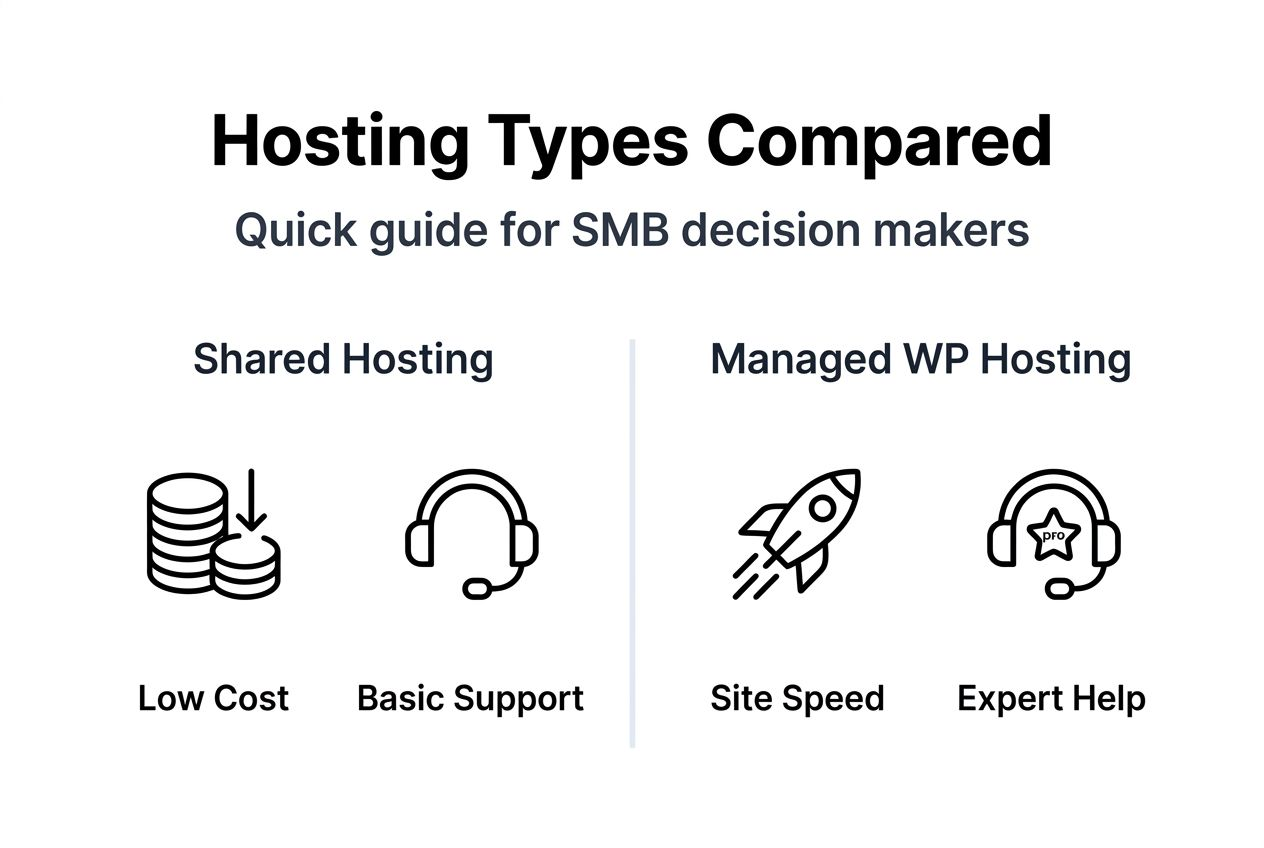
Managed hosting providers guarantee better uptime and include WordPress-specific support not available on shared, VPS, or dedicated plans. When your site breaks at 2am, having WordPress experts available beats generic hosting support reading from scripts.
Best fit scenarios:
For most small businesses, managed WordPress hosting offers the best balance. You get enterprise-level infrastructure without needing technical expertise or dedicated IT staff. The time you save troubleshooting hosting issues pays for the price difference several times over.
Businesses ready to ditch traditional web agencies often discover managed hosting provides better value than agency retainers. Review detailed managed WordPress hosting comparisons to evaluate specific providers against your requirements.
Technical improvements create business results. Managed hosting improves Core Web Vitals, boosts rankings, and reduces downtime, all enhancing lead generation potential. Faster sites convert better because visitors don’t abandon slow-loading pages.
Google rewards speed and reliability with higher rankings. When your site consistently loads in under two seconds with minimal downtime, you gain competitive advantages in search results. More organic traffic means more qualified leads entering your sales funnel without additional advertising costs.
Expert WordPress support minimizes disruptions, freeing owners to focus on marketing and sales activities instead of technical firefighting. Every hour spent troubleshooting hosting issues is an hour not spent serving customers or developing your business.
Direct lead generation benefits:
Consider a typical scenario. You launch a Google Ads campaign driving 500 new visitors daily. On shared hosting, slow load times cause 40% to bounce before pages fully load. On managed hosting with optimized performance, bounce rates drop to 15%. That performance difference directly impacts campaign ROI and cost per lead.
Understanding website management’s impact on leads helps justify the investment in better hosting. Different types of WordPress websites benefit differently, but service businesses particularly gain from reliability and speed that build trust. Exploring managed hosting growth benefits reveals how technical improvements translate to measurable business outcomes.
No solution is perfect. Understanding managed hosting limitations helps set realistic expectations and avoid surprises after committing.
Some managed hosting services restrict plugins to protect performance and security across their platform. These restrictions typically target caching plugins, backup plugins that conflict with built-in systems, or poorly coded extensions known to cause problems. Most legitimate business plugins work fine.
Monthly costs run higher than budget shared hosting. Where shared hosting costs $5-10 monthly, managed WordPress hosting typically starts at $25-30 and scales up based on traffic and features. For bootstrapped startups watching every dollar, this difference matters.
Server control is more limited compared to unmanaged VPS or dedicated hosting. You can’t modify server configurations, install custom software, or access root-level settings. Managed providers handle infrastructure to ensure stability and security, which means less flexibility for advanced customization.
Key limitations to consider:
Evaluate which limitations actually impact your business versus theoretical concerns. Most small businesses benefit far more from automated management than they lose from reduced control. If you’re not currently SSHing into servers or writing custom server configurations, access restrictions won’t affect your daily operations.
The cost difference becomes easier to justify when you calculate time savings and reduced risk. One security breach or extended downtime incident often costs more than years of managed hosting premiums.
Transitioning to managed hosting requires planning but delivers immediate benefits when executed properly. Follow these steps for a smooth migration.
Assess your current situation. Review your traffic analytics, identify performance bottlenecks, and document recurring technical issues. This baseline helps measure improvement after migration and justifies the investment.
Compare provider options carefully. Evaluate features, support quality, plugin policies, and total costs including potential overages. Read actual customer reviews focusing on support responsiveness and problem resolution.
Plan your migration strategy. Most managed hosts offer free migration services, but verify what’s included. Use staging environments to test the migrated site before switching DNS. Create a detailed checklist covering DNS changes, email configurations, and any custom integrations.
Leverage automation post-migration. Configure automatic updates, verify backup schedules, and familiarize yourself with the management dashboard. Set up monitoring to track performance improvements and uptime.
Pro Tip: Schedule your migration during your lowest traffic period, typically mid-week overnight hours. Test thoroughly in staging before going live, and keep your old hosting active for 30 days as a backup during the transition period.
Migration doesn’t have to be complicated. Most managed hosts provide step-by-step guidance and support throughout the process. The temporary effort pays dividends through better performance, security, and reliability.
Businesses ready to launch a WordPress website from scratch should start with managed hosting rather than outgrowing shared hosting later. The foundation you build determines how easily your site scales with business growth.
You’ve learned how managed WordPress hosting transforms website performance and reduces technical headaches. Now it’s time to explore solutions built specifically for growing businesses.
MonsterWP delivers affordable fully managed WordPress websites starting at $299 monthly, including hosting, security, performance optimization, and unlimited content updates. We handle every technical detail so you focus on running your business, not troubleshooting your website.

Our complete WordPress offerings combine custom design, managed hosting, and ongoing optimization. Need to maximize lead generation? Explore our managed WordPress SEO and PPC services that integrate with your website for comprehensive digital growth.
Let us handle your WordPress management while you focus on what you do best: growing your business and serving customers. No technical expertise required, no long-term contracts, just reliable performance and expert support when you need it.
Managed WordPress hosting includes automated updates, daily backups, security monitoring, and WordPress-expert support as core services. Shared hosting provides basic server space where you handle all maintenance and security yourself. The managed approach removes technical burden while delivering better performance and reliability.
Most legitimate business plugins work perfectly on managed hosting platforms. Providers may restrict specific plugins that create security vulnerabilities or performance problems, typically affecting caching plugins or poorly coded extensions. Check your provider’s plugin policy before migrating if you rely on specialized tools.
For growing businesses, managed hosting typically pays for itself through time savings, reduced downtime, better security, and improved performance. Calculate the value of your time spent on technical maintenance plus potential revenue lost to slow sites or security issues. Most business owners find the investment worthwhile compared to DIY management on cheaper hosting.
Most managed hosting providers complete migrations within 24-48 hours using their free migration services. Complex sites with custom configurations or large databases may take slightly longer. Plan for a week from initial contact to fully tested migration, allowing time for thorough verification before switching DNS.
Yes, through multiple mechanisms. Faster page loads improve Core Web Vitals scores that Google uses for ranking. Better uptime ensures visitors can always access your site. Improved performance reduces bounce rates and increases conversions. These technical improvements translate directly to better search rankings and more qualified leads entering your sales funnel.
Learn essential WordPress maintenance steps to protect your site from hacks, boost speed by 200%, and increase leads. Proven strategies for business owners in 2026.

Discover how strategic website management drives up to 50% more leads. Compare DIY, agencies, and managed WordPress platforms for sustainable business growth.