
How to Improve Site Speed Without Breaking Your Site
Unlock the secrets of how to improve site speed effectively. Discover crucial strategies that enhance performance and boost your rankings.


Most people think launching a WordPress website is simple.
Buy hosting. Install WordPress. Pick a theme. Add some pages. Go live.
That is the surface layer.
What most business owners discover later is that a professional website is not a template. It is infrastructure.
And infrastructure has layers.
At a glance, launching WordPress looks like a checklist:
That is the visible work.
It creates the impression that launching a website is a weekend project.
But that checklist ignores everything that determines whether the site will actually perform, rank, and remain stable.
Behind every professional launch are structural decisions that most business owners never see.
None of those items are flashy.
All of them matter.
A WordPress site can “look done” and still be fragile underneath.
When the hidden layers are ignored, costs compound.
Most businesses do not lose money because their website looks bad.
They lose money because their infrastructure is unstable or misaligned.
The true cost of DIY is not time spent building.

It is revenue lost from misconfiguration.
A professional WordPress launch requires:
And perhaps most importantly, someone accountable for the system.
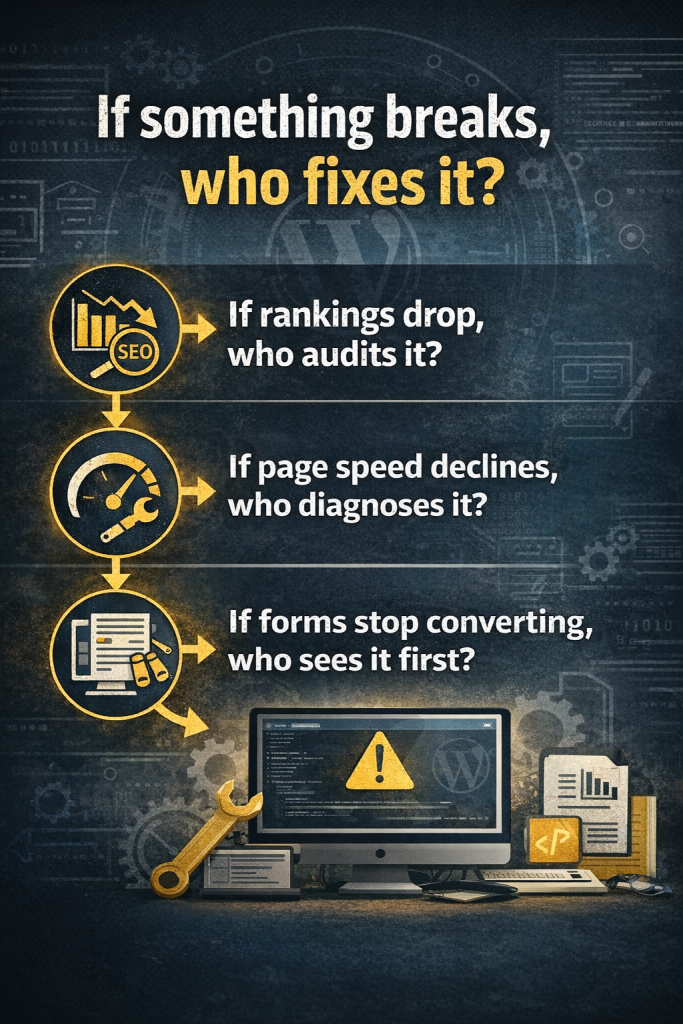
These are operational questions, not design questions.
This is where infrastructure changes the equation.
MonsterWP is not a template builder.
It is managed WordPress infrastructure.
All handled by a team that treats your website as an active system, not a completed project.
For $299 per month, the risk of fragility disappears.
You run your business.
Can you launch WordPress yourself?
Yes.
Should your revenue engine depend on whether you configured it correctly?
That is a different question.
A professional website is not just a collection of pages. It is the backbone of your visibility, lead generation, and digital credibility.
Most business owners do not need another tutorial.

They need a system.
MonsterWP delivers managed WordPress infrastructure starting at $299 per month.
If you are ready to stop troubleshooting and start growing, explore MonsterWP.com today.
Unlock the secrets of how to improve site speed effectively. Discover crucial strategies that enhance performance and boost your rankings.

Unlock your business’s potential with proven social media marketing tips. Boost visibility, attract customers, and thrive without a big budget!