
2026 Digital Marketing Trends Guide for Growth
Unlock the future with our 2026 digital marketing trends guide. Discover AI personalization, GEO, and more strategies for lasting growth!

Many are searching for better ways to manage memberships and online communities. There are platforms that promise simplicity and powerful tools but finding the right one can feel overwhelming. Some focus on customization while others highlight reliability or pricing. If you are curious what makes each option unique and which might be a good fit for your needs you will want to see how these top choices stack up against each other.
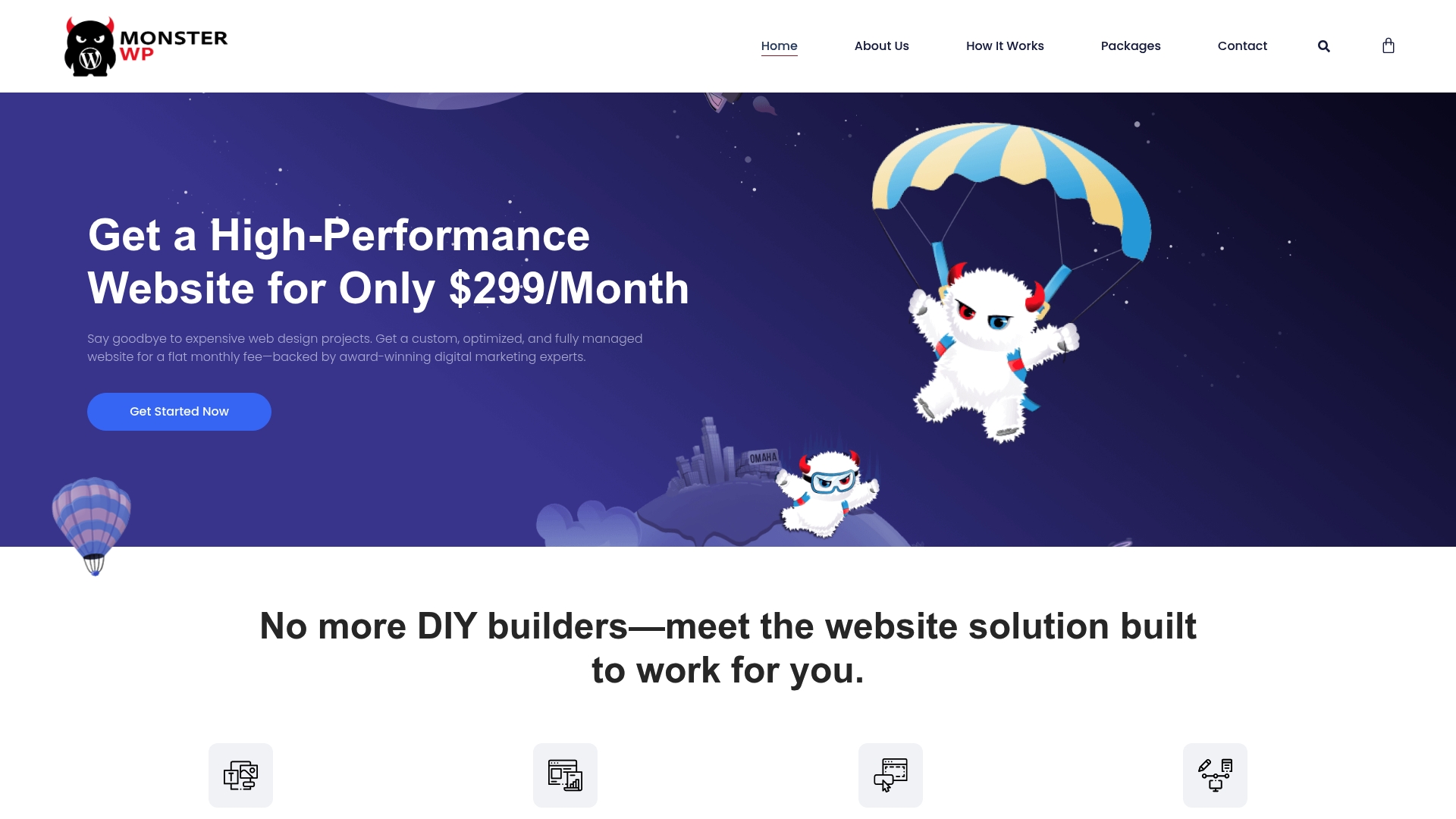
MonsterWP is a leading fully managed WordPress growth platform built for business owners who are tired of overpriced agencies and DIY website headaches. It combines design, hosting, and ongoing SEO and marketing for a single predictable monthly fee.
MonsterWP delivers end to end website and marketing management so you do not juggle multiple vendors. Key capabilities include:
Fully managed service easing client workload. MonsterWP takes care of design, hosting, and updates so you can focus on running your business.
Affordable flat monthly fee. Pricing starts at $299 per month which simplifies budgeting compared with unpredictable agency retainers.
Focus on speed, SEO, and mobile responsiveness. Sites launch optimized for search and performance which improves user experience and ranking potential.
Includes ongoing support and updates. Unlimited content updates and rapid revisions reduce friction when you need quick changes.
Custom package options for comprehensive marketing. You can add SEO, paid advertising, and social management without switching providers.
Small to medium sized businesses seeking a fully managed, high performance WordPress website with integrated SEO and marketing services benefit most from MonsterWP. Owners who want clear pricing and minimal technical overhead will find this especially valuable.
MonsterWP stands out by combining a predictable monthly pricing model with comprehensive technical and marketing services. That single vendor approach reduces coordination costs, speeds execution, and protects revenue by keeping sites updated and secure.
The platform emphasizes measurable outcomes. With SEO ready sites, secure hosting, and daily backups included, the trade off is a managed solution rather than a DIY toolkit. Smart buyers choose MonsterWP when they prefer a reliable partner that handles both the website and the growth work.
A local restaurant hires MonsterWP to build a fast, mobile friendly site, manage ongoing SEO, and run targeted digital campaigns to increase reservations. The restaurant stops fighting updates and sees steady organic traffic growth and improved booking conversions.
Pricing starts at $299 per month for the Custom Website package. Full service options that include extensive SEO and PPC management range up to $2,750 per month, depending on scope and ad spend.
Website: https://monsterwp.com
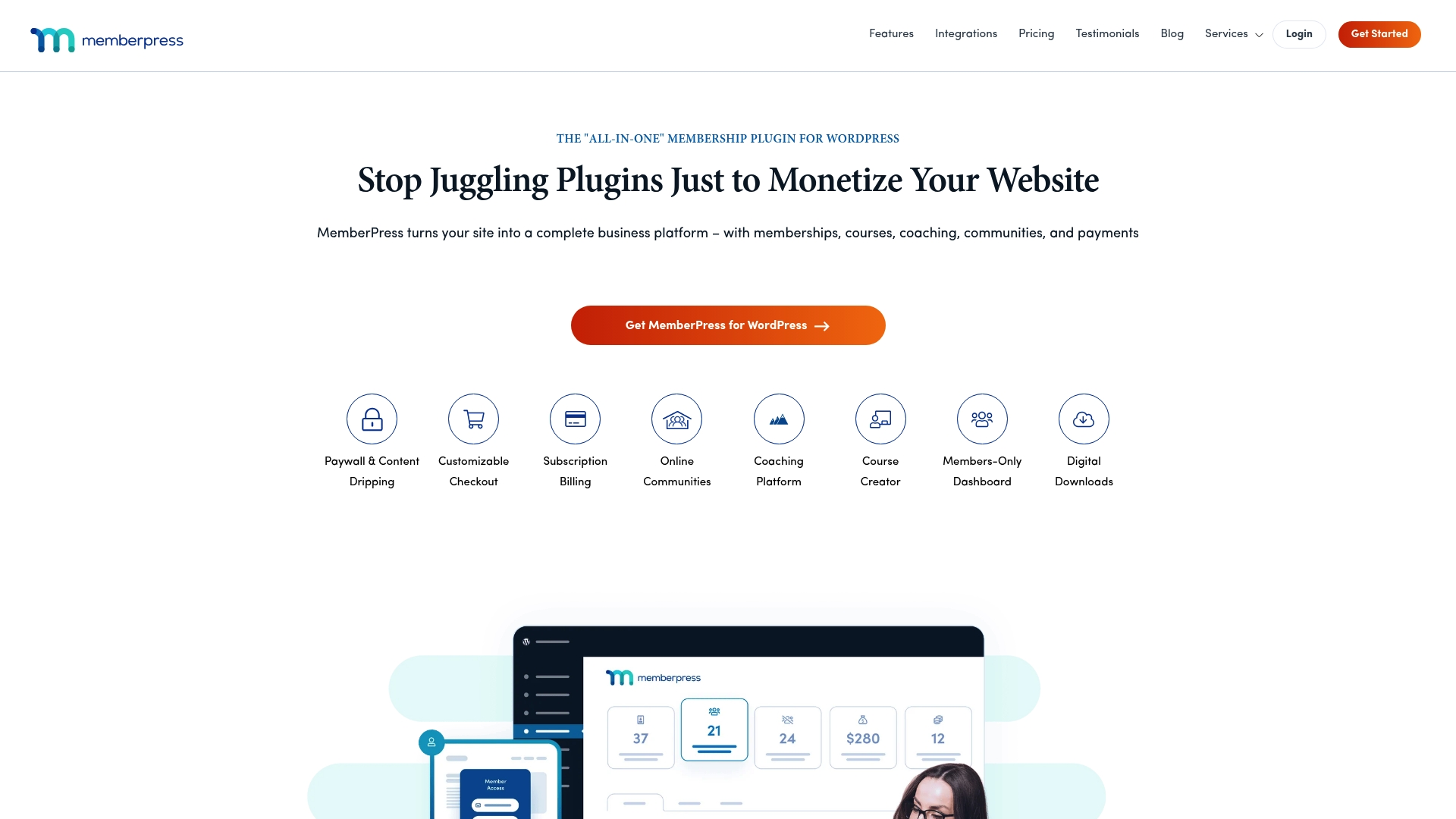
MemberPress is an all in one WordPress membership plugin built to help you sell memberships, courses, communities, and digital products without coding. It combines content control and subscription billing in a package that is accessible for non technical website owners.
MemberPress delivers robust tools for memberships and course delivery, including Paywall & Content Dripping, Customizable Checkout, and Subscription Billing. The plugin also adds MemberPress Courses, community features, coaching integrations, and multiple payment gateway support for Stripe and PayPal.
Easy Setup: The interface lets non technical users configure memberships and payments without writing code, which speeds launch time.
Strong Access Control: Content dripping and access rules provide precise member gating so you control who sees what and when.
Broad Integrations: A wide range of add ons and third party integrations connects your site to email, analytics, page builders, and more.
Solid Support: Documentation and support options help troubleshoot common setup and configuration questions quickly.
Scalable Plans: Multiple plan tiers let you start small and upgrade to Growth or Scale as your audience grows.
Some advanced features require paid add ons which increases the total cost for full functionality.
Pricing may be high for small sites or hobbyists because the entry plan starts at a yearly rate.
The system can become complex when you need heavily customized workflows or bespoke integrations.
MemberPress suits website owners and entrepreneurs who want to monetize WordPress through memberships, courses, coaching, or communities without a developer. It fits operators who value an integrated plugin with built in LMS features and membership tools rather than stitching several separate systems together.
MemberPress bundles membership management, course building, and community features inside WordPress so you run everything from one dashboard. The combination of ReadyLaunch setup tools, membership gating, and payment gateway support makes it a consolidated solution for sellers who want fewer moving parts.
An educator builds a course site using MemberPress to sell classes, manage student access with drip schedules, and deliver quizzes and certificates. The site ties into email marketing and payment processors so enrollments, billing, and learner engagement run from a single platform.
Plans start at $199.50 per year for the Launch plan, with higher tiers such as Growth and Scale that add more features and scalability. Budget accordingly for add ons if you need coaching integrations or advanced community modules.
Website: https://www.memberpress.com
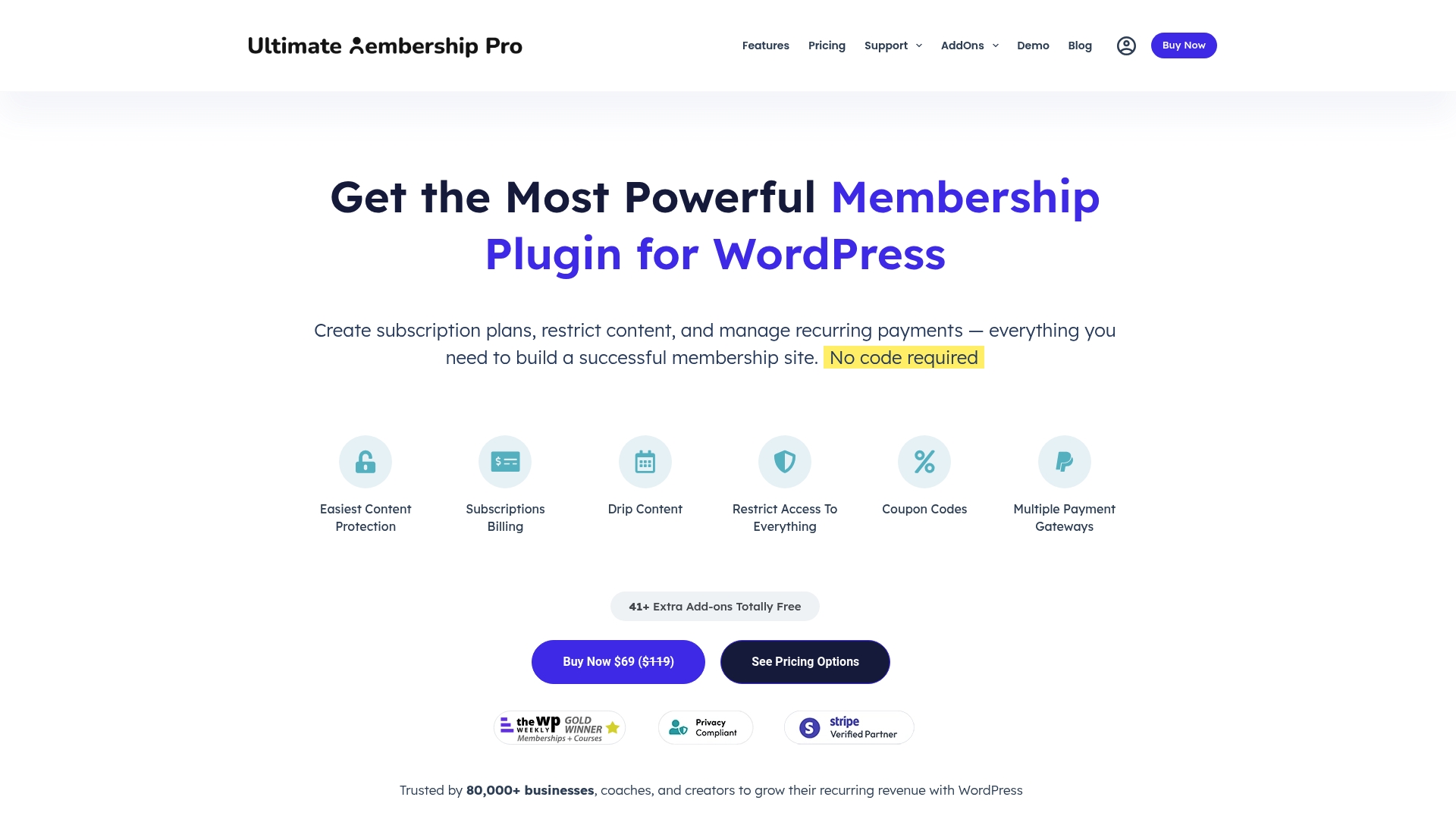
Ultimate Membership Pro is a WordPress plugin for building and monetizing membership sites with content restriction and recurring payments baked in. It combines flexible billing cycles, drip content, and a personalized member dashboard so you can launch a subscription system without coding.
Actionable takeaway: If you need a self hosted membership solution tied to WordPress, this plugin handles core membership workflows quickly.
Ultimate Membership Pro provides tools to create subscription plans with weekly, monthly, yearly, or custom billing and to restrict pages, posts, categories, or parts of content. The plugin supports gateways such as Stripe and PayPal for automated recurring payments and delivers drip content to keep members engaged.
Actionable takeaway: Use the built in billing cycles and drip delivery to design tiered programs that scale without manual gating.
Actionable takeaway: Try the demo flows and gateway setup to confirm the plugin maps to your billing model before committing.
Actionable takeaway: Budget for add ons and WordPress maintenance when calculating lifetime or yearly costs.
This plugin fits website owners, online educators, community managers, coaches, and content creators who want to monetize content and automate access control. If you run a WordPress site and need flexible subscription rules without hiring a developer this tool is practical and direct.
Actionable takeaway: Choose this if you want full control inside WordPress and expect multiple membership tiers.
Ultimate Membership Pro stands out for its combination of flexible billing, content protection, and built in member tools at a one time cost option. The plugin’s wide adoption and feature set make it suitable for sites that require detailed access rules and recurring revenue automation.
Actionable takeaway: Evaluate the lifetime license against your expected growth to see if the upfront investment pays off.
A coach can set up subscription tiers where clients access coaching videos, exclusive articles, and forums. Content is delivered gradually by drip schedules while payments run automatically so the coach focuses on content and client work rather than access management.
Actionable takeaway: Map your course modules to membership levels and test a single payment gateway before scaling.
Pricing starts at $69 for a lifetime license and other plans are available as yearly subscriptions with optional add ons. This structure gives you a choice between one time investment and ongoing support plans.
Actionable takeaway: Compare the lifetime license to yearly plans and factor in add ons for advanced features.
Website: https://ultimatemembershippro.com
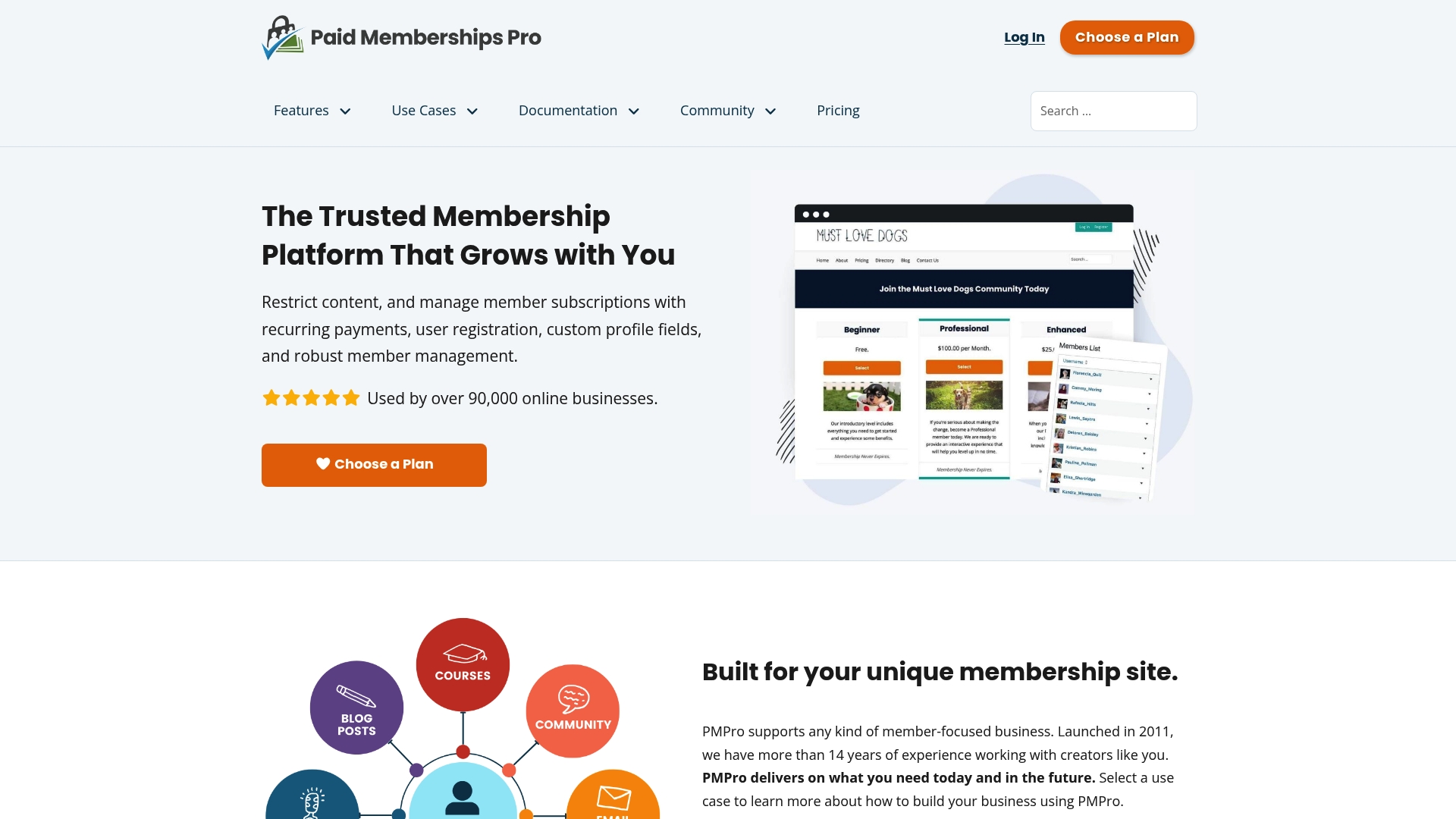
Paid Memberships Pro is a flexible WordPress membership plugin used by more than 90,000 businesses to restrict content, manage subscriptions, and run tiered membership sites. It delivers strong extensibility through a library of add-ons while keeping a lean core that is free to use.
The plugin provides content restriction, recurring payments, and support for unlimited membership levels and custom profiles. It integrates with major gateways like Stripe and PayPal and offers multisite support and customizable registration and dashboard experiences.
Open Source GPL License: You receive full code access so a developer can customize behavior or integrate with internal systems.
Unlimited Membership Levels: You can create as many tiers as needed which works well for complex pricing or community hierarchies.
Large Add-on Library: Free and premium add-ons extend functionality for payments, reporting, and integrations without rebuilding features from scratch.
Active Community and Documentation: Extensive online resources and community support shorten the learning curve when configuring features.
Scalable for Different Models: The plugin adapts to associations, courses, newsletters, and private media delivery without swapping platforms.
Requires WordPress Knowledge: You must run WordPress and know basic site configuration to install, secure, and maintain the plugin.
Paid Plans for Premium Support: Core functionality is free but faster support and managed features require a paid plan which adds ongoing cost.
Advanced Customization May Need Developers: Custom flows, complex integrations, or major UI changes typically need developer time and technical expertise.
This plugin fits WordPress site owners, developers, and small to mid-sized service businesses that want a customizable membership system without committing to a hosted vendor. It suits teams that can manage hosting or buy managed WordPress services to avoid hands-on maintenance.
Paid Memberships Pro combines a free, extensible core with a broad add-on ecosystem so you pay only for the extras you need. That model keeps entry costs low while allowing growth into complex subscription and content models.
A Yoga studio runs monthly subscriptions for in-person classes and an on-demand video library. They use the plugin to protect premium videos, process recurring Stripe payments, and maintain member profiles for class sign ups and attendance tracking.
The core plugin is free. Paid tiers include Standard at $39 per month, Plus at $59 per month, and Hosting at $99 per month. Free add-ons are available and premium add-ons or developer time add to total project cost.
Website: https://www.paidmembershipspro.com
This table provides an overview of key features, pricing, and use cases of different managed WordPress and membership tools discussed in the article, helping you identify which solution best aligns with your needs.
| Tool Name | Key Features | Pricing | Target Users |
|---|---|---|---|
| MonsterWP | Custom mobile sites, hosting, SEO, and updates | $299/month for basic, up to $2,750/month for full features | Business owners seeking managed WordPress and comprehensive marketing solutions |
| MemberPress | Membership billing, paywalls, content control | $199.50/year for Launch plan | Entrepreneurs creating courses, memberships, or digital communities |
| Ultimate Membership Pro | Flexible billing, advanced content restriction, drip content | $69 one-time license cost | WordPress users managing Tier-based memberships for communities |
| Paid Memberships Pro | Free core with content restriction, unlimited tiers, and extensibility | Free core; paid plans starting from $39/month | Developers or businesses requiring scalable and customizable membership platforms |
If you have explored options like MemberPress, Ultimate Membership Pro, or Paid Memberships Pro you know that managing memberships and memberships-related content on WordPress can quickly become complex and overwhelming. The key challenges include juggling multiple plugins for content restriction, subscription billing, and site performance while also trying to rank well on search engines. You want a simpler way that removes technical headaches and offers predictable pricing.

At MonsterWP we deliver a fully managed WordPress growth platform designed specifically for business owners tired of overpriced agencies and DIY frustrations. Starting at just $299 per month we custom build your site optimized for SEO speed and conversion. Our end-to-end service includes hosting security daily backups and unlimited content updates so your membership site can grow without stress. Learn more about our transparent Pricing & Billing Archives – MonsterWP or get answers to common questions in our Common Questions Archives – MonsterWP. Take control today with MonsterWP and focus on scaling your membership community instead of managing technical details.
MonsterWP, MemberPress, Ultimate Membership Pro, and Paid Memberships Pro are four notable alternatives to MemberMonster in 2026. Explore each option to find a platform that aligns with your specific membership needs and goals.
Evaluate your specific requirements such as ease of use, pricing, and key features. Create a checklist of must-have functionalities and compare each alternative against it to make an informed decision.
Key features to consider include content restriction, subscription billing, integration options, and ease of setup. Compile a list of crucial aspects based on your business model to ensure you choose a plugin that meets your needs.
Most membership plugins offer migration tools or support to help transfer your memberships. Check the specific documentation or support resources of the alternatives you consider to streamline the migration process.
Membership plugins typically range from free options with limited features to premium plans costing several hundred dollars per year. Compare the pricing structures of each alternative to find a plan that fits your budget while meeting your requirements.
Unlock the future with our 2026 digital marketing trends guide. Discover AI personalization, GEO, and more strategies for lasting growth!

Discover what is predictable pricing in web services and learn how fixed costs can empower your SMB’s budget. Gain financial control today!