
Content Optimization Strategies That Actually Drive Results
Unlock the power of content optimization strategies that drive results. Discover how to enhance rankings, leads, and revenue effectively!


Managing a WordPress site without expert hosting and continuous maintenance often leads to hidden costs, slower performance, and unwanted security risks. Many hosts either expect you to handle updates and SEO yourself or lure you in with low intro rates that jump at renewal, while still leaving day-to-day management in your lap. This comparison shows how three leading managed WordPress services differ in hands-off management, pricing predictability, and launch speed so you can pick an alternative that truly reduces your operational workload.
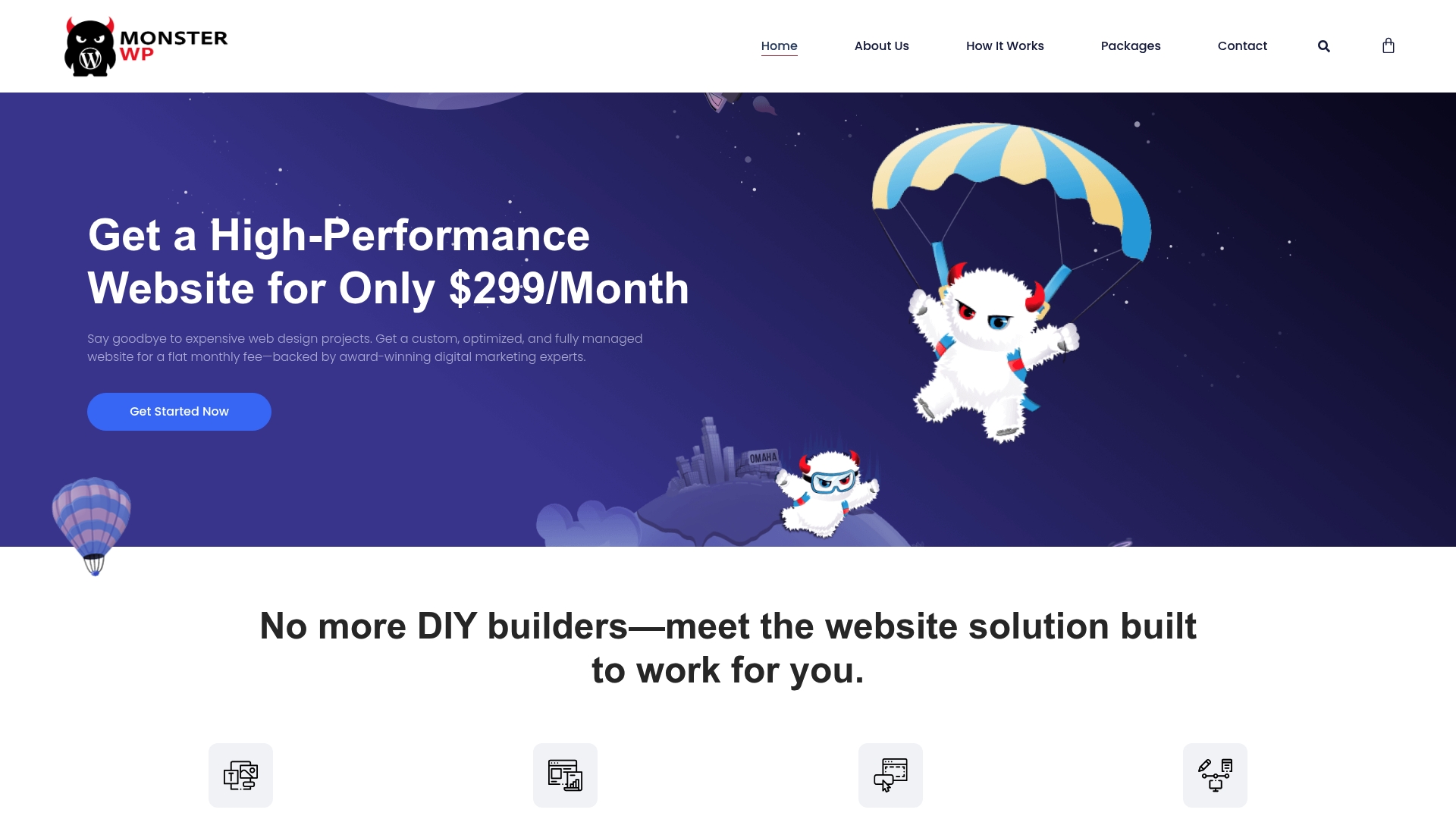
The vendor advertises delivery of a fully managed, high-performance WordPress website within 21 days on a subscription priced from $299/month. That pitch pairs speed with ongoing management so you do not trade launch speed for a maintenance burden.
A single, concrete claim sets the offering apart: a managed WordPress site launched quickly on a flat monthly fee that includes ongoing updates. That combination moves cost and operational risk from your team to the vendor so you can focus on leads and services.
Founders, local service businesses, and startups that need a professional site quickly and prefer a managed model over hiring in-house developers. It fits teams that value predictable spend and ongoing hands-off maintenance.
Starting at $299/month, the package bundles launch, hosting, maintenance, and unlimited content updates. That shifts the operational work of running a WordPress site to MonsterWP and converts unpredictable project spend into a steady monthly line item.
A local plumbing company replaces an aging site with MonsterWP. The new site launches quickly, shows in local search, and the vendor handles updates and backups. The business avoids hiring an in-house web person while keeping marketing changes fast.
Plans start at $299/month for a custom WordPress website with ongoing management. The model favors predictable monthly budgeting over large upfront retainers or hourly development billing.
Website: https://monsterwp.com
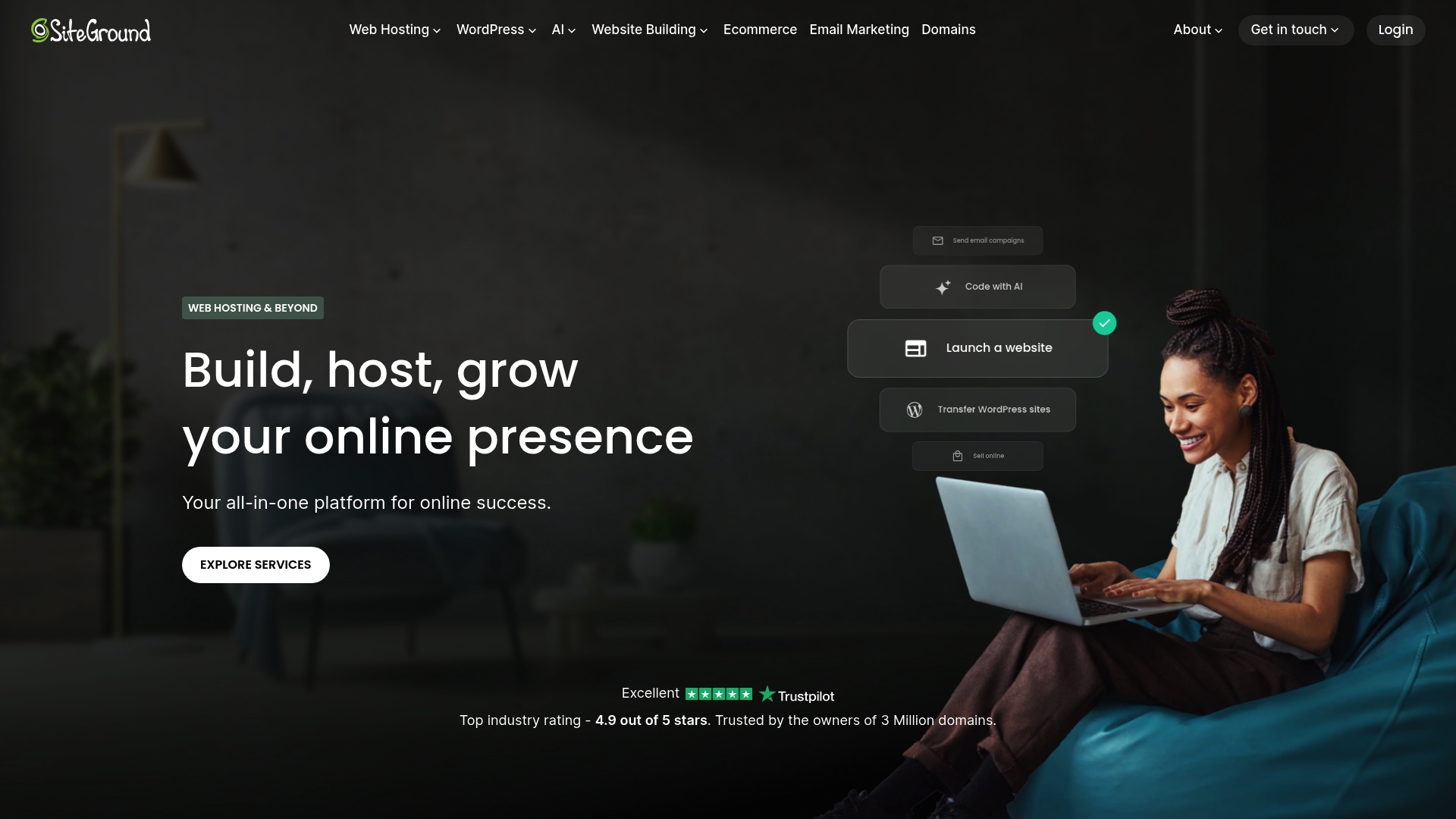
SiteGround pairs traditional hosting plans with purpose-built AI tooling such as AI Studio and Coderick AI, a combination aimed at speeding site builds and small web apps. The vendor pitches fast live chat support and a single ecosystem for domains, email, ecommerce, and hosting.
SiteGround covers shared, cloud, managed WordPress hosting, WooCommerce, reseller accounts, and a drag-and-drop Website Builder for nontechnical users. Their stack also includes domain registration, email marketing, and AI-assisted development tools intended to reduce development cycles without adding vendors.
What sets SiteGround apart is the pairing of hosting infrastructure with in-house AI features. For businesses that want hosting plus automated site helpers and developer assistants in one dashboard, that integrated tooling shortens handoffs between designers and engineers.
If you want a fully managed WordPress partner that handles design, ongoing content updates, and SEO strategy under a single predictable retainer, SiteGround’s platform still expects you or your agency to run operations. Its renewal pricing and occasional support gaps can make long term budgeting and mission critical coverage harder for growth-focused teams.
Small to medium business owners, solo entrepreneurs, and agencies that need reliable hosting plus built-in developer aids. Good for teams that value controlling infrastructure themselves but want fewer third parties for domains, email, and basic marketing.
A four person marketing agency hosts client sites on SiteGround, uses the Website Builder for quick landing pages, and leverages Coderick AI for simple app prototypes. The agency reduces time to launch and keeps a single billing relationship for hosting, domains, and client email.
Paid plans vary by product line. SiteGround typically advertises promotional first-term pricing with higher renewal fees. Exact figures depend on whether you choose shared, managed WordPress, cloud, or reseller hosting and are listed on their site.
Website: https://siteground.com
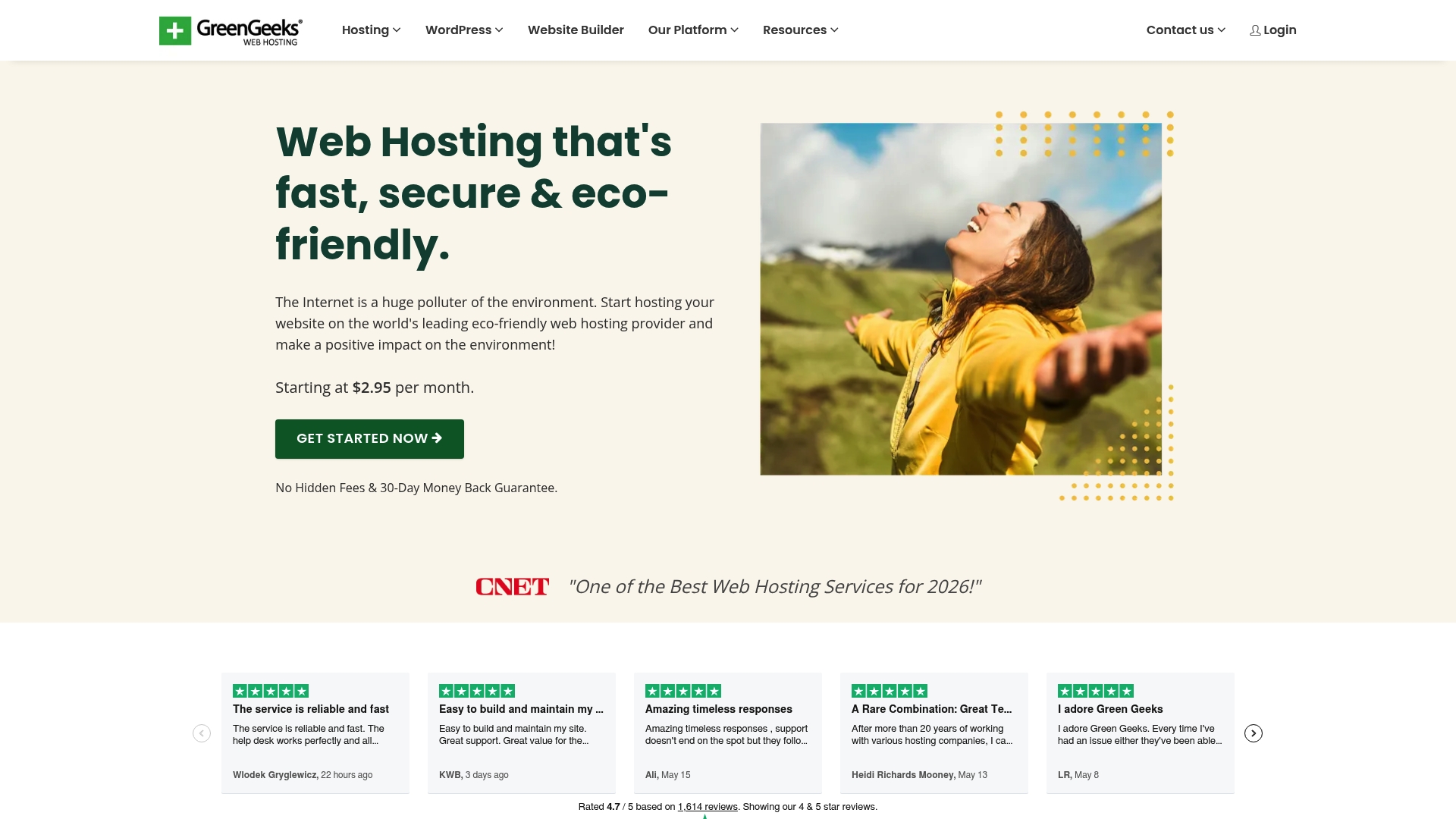
GreenGeeks’ marketing states it matches energy use at 300% via the Bonneville Environmental Foundation and plants a tree for every account, making sustainability a clear part of the buying signal. The host combines that green claim with user-friendly tools and managed WordPress options.
The environmental pledge is the clearest differentiator. That 300% claim and the tree-per-account promise let small businesses signal sustainability to customers without buying a separate carbon offset. For owners who care about brand alignment with green commitments, this is an easy checkbox.
Avoid GreenGeeks if your site requires strict compliance or enterprise-grade security certifications. The product data explicitly flags it as not suitable for extremely high security or compliance requirements. Also look elsewhere if you need a support SLA tied to security incident response.
Small-to-medium business owners, bloggers, and agencies that want straightforward hosting with an environmental angle. It fits WordPress sites and WooCommerce stores that value easy migrations, helpful support, and a greener hosting story for customers.
A local eco-friendly café moves its WordPress site to GreenGeeks on a shared plan. The migration support removes manual steps, load times improve thanks to SSD storage, and the owner uses the hosting providers sustainability claim in local marketing materials.
Shared hosting starts at the vendor advertised rate of $2.95 per month, with additional tiers for VPS, reseller, and dedicated servers. The entry price makes it attractive for cost-sensitive small businesses that still want managed WordPress features.
Website: https://greengeeks.com
Choosing the right managed WordPress provider depends on your business requirements, whether it’s streamlined operations, sustainable practices, or developer-friendly integrations.
MonsterWP emphasizes rapid deployment with a managed solution, offering a ready-to-launch website in 21 days along with ongoing maintenance. This fixed timeline benefits those needing a functional and professional site on a strict schedule. However, SiteGround’s AI-assisted tools provide flexibility for businesses with in-house design capabilities, allowing significant customization albeit with a steeper setup curve and potential delays if external input is needed.
GreenGeeks stands out for businesses prioritizing environmental sustainability in their operations. Their 300% green energy matching and one-gree-planted-per-account policy position them uniquely as a green hosting option. While these commitments resonate with eco-conscious brands, others may prioritize operational features like scalability or built-in SEO over sustainability considerations.
For organizations requiring a professionally handled web presence launched swiftly and maintained efficiently, MonsterWP excels. Combining fixed timelines with site monitoring and updates minimizes internal resource requirements. However, businesses focused primarily on other aspects, such as energy sustainability or in-house control, might explore options like GreenGeeks or SiteGround to align with their unique needs.
When seeking managed WordPress services, clarity in features, pricing, and limitations can help you identify which provider aligns best with your business needs.
| Service | Key Differentiator | Best For | Pricing | Notable Limitation |
|---|---|---|---|---|
| MonsterWP | Managed WordPress sites with flat monthly fee and updates | Local businesses and startups valuing predictability | Starting at $299/month | Requires a minimum 90-day commitment |
| SiteGround | Hosting infrastructure paired with AI-powered developer tools | Small-to-medium businesses managing own operations | Not disclosed | Renewal pricing significantly higher than promotional rates |
| GreenGeeks | Environmentally friendly hosting with 300% energy matching | Eco-conscious businesses and individuals | Starting at $2.95/month | Limited suitability for high compliance or security requirements |
Choosing the right hosting partner means more than getting a domain and server space. The real challenge is avoiding unexpected cost spikes, security risks, and ongoing operational hassles that come with DIY hosting solutions. MonsterWP offers a fully managed WordPress growth platform that takes hosting off your plate and replaces guesswork with fast launch timelines, unlimited content updates, and built-in SEO and performance.

Explore how MonsterWP’s all-in-one service can simplify your website management with predictable monthly pricing starting at $299 per month. Don’t let hosting complexities slow your business. Visit MonsterWP Common Questions to learn how we handle your site’s design, hosting, security, and rapid revisions so you can focus on growth. Take control now at MonsterWP and book a consultation to get your high-performance WordPress site live and thriving in just 21 days.
MonsterWP delivers a custom, mobile-friendly website optimized for speed and SEO, all under a predictable subscription model starting from $299/month. This service includes full website management—covering design, hosting, security, backups, and unlimited content updates—eliminating the burden of ongoing maintenance on your team. Consider choosing MonsterWP to benefit from reduced operational risks while focusing on your core business activities.
SiteGround is well-regarded for its fast live chat support and solid uptime, making it reliable for small and medium-sized businesses. However, MonsterWP stands out with its all-inclusive service that ensures your WordPress site is not only launched quickly but also continuously managed, which is ideal for founders and startups needing to minimize operational overhead. Opt for MonsterWP if you prefer a hassle-free managed service.
Yes, MonsterWP offers built-in SEO capabilities from day one, including local SEO and Google My Business support to enhance your site’s visibility. This distinguishes it from other services that may require additional configuration or plugins for SEO purposes. Selecting MonsterWP means you can kickstart your online presence with essential SEO tools right from the launch.
MonsterWP requires a minimum commitment of 90 days for its managed service, which may challenge flexibility for some teams seeking month-to-month options. While this may initially seem limiting, the comprehensive management and predictability in pricing make it a strong investment for businesses that require ongoing support without the need for in-house resources.
MonsterWP’s design-first approach specifically targets local search performance, ensuring your custom site is built for optimal visibility. This is crucial for local service businesses looking to attract neighborhood customers quickly. Choosing MonsterWP equips your business with an effective web presence geared toward local clientele.
Unlock the power of content optimization strategies that drive results. Discover how to enhance rankings, leads, and revenue effectively!

Discover what website uptime really means and how it impacts your business. Learn to measure it and boost your revenue today!