
Top revenue-driven website features for small businesses
Transform your small business website with essential revenue-driven website features. Unlock potential leads and boost conversions today!


Choosing the right platform for your website can feel overwhelming with so many options promising fast speeds, strong security, and reliable support. Each service brings something unique to the table, whether it is pricing, ease of use, or advanced features tailored for growing businesses. Some focus on user-friendly designs and others shine when it comes to handling high traffic or complex needs. With changing trends and evolving technology, new players rise and established ones update their offerings to stay ahead. Curious which options might fit your needs best? The next section uncovers a mix of solutions that could surprise you.
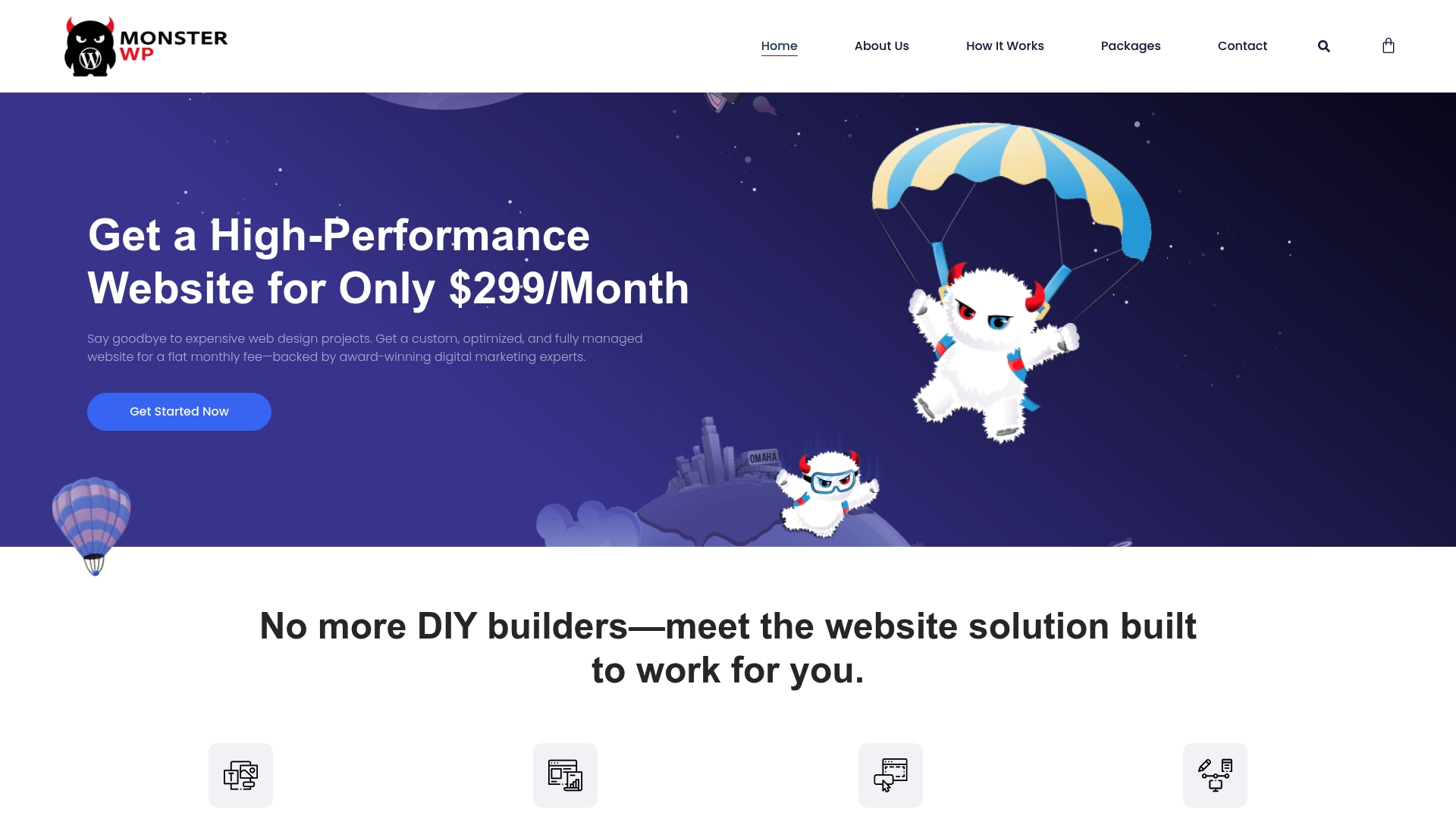
MonsterWP is a fully managed WordPress growth platform built for business owners who are tired of overpriced agencies and DIY website headaches. It combines custom design, hosting, and ongoing marketing support into a single predictable monthly price so you can focus on customers not site upkeep.
MonsterWP delivers custom mobile friendly websites built with Elementor Pro, optimized for speed and search engines from day one. The service covers design, hosting, security, and unlimited content updates so sites stay current without your time.
MonsterWP fits founders, local businesses, and growth focused teams that want a high quality site without hiring an agency or wrestling with DIY builders. Choose this if you want predictable costs, performance focus, and marketing support under one roof.
MonsterWP stands out by combining web design, managed hosting, and integrated marketing into a single monthly service that targets lead generation. The platform is not a template shop. It offers custom design, performance tuning, and structured SEO work that aims to deliver measurable traffic and calls. Smart buyers pick MonsterWP when they want a hands off solution that still drives results and protects revenue.
A local roofing company signs up for the Custom Website plan and receives a fast, mobile friendly site optimized for local SEO. The business sees improved local visibility while MonsterWP handles updates and content so the owner spends time on jobs not on website fixes.
Pricing starts at $299 per month for the Custom Website plan. Higher tier packages include Website plus SEO at $1,250 per month and Website plus SEO plus PPC at $2,750 per month. These tiers bundle design with marketing work to reduce vendor switching.
Website: https://monsterwp.com
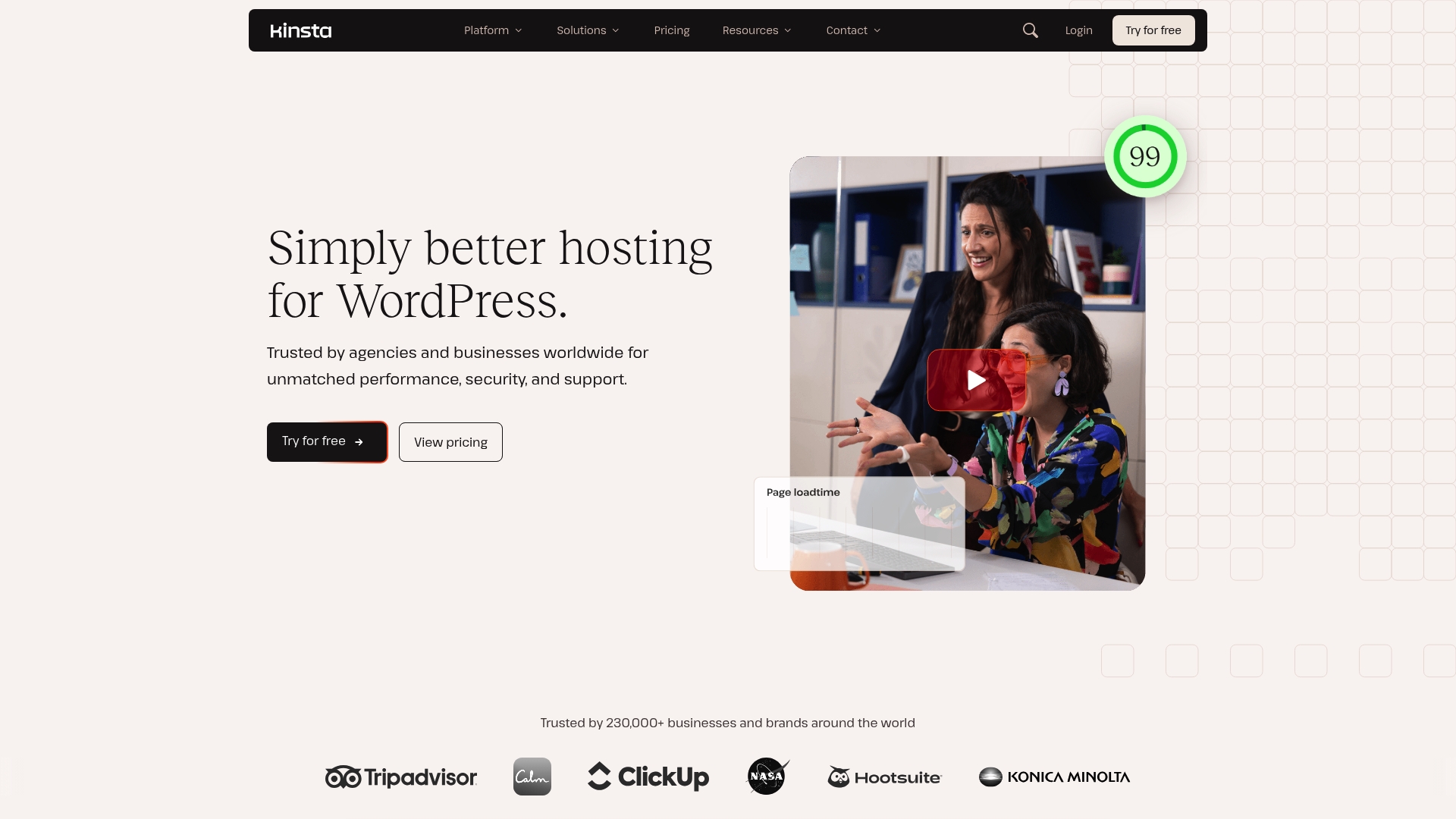
Kinsta delivers premium managed WordPress hosting focused on speed, security, and reliable support for businesses of all sizes. The platform is built for teams that need predictable uptime and expert assistance without babysitting day to day site operations.
Kinsta provides managed hosting for WordPress with free site migrations and automatic updates to keep sites current. The platform includes edge caching and an APM tool for performance monitoring to help diagnose slow pages. Cloudflare integration pairs with built in security and backups while staging environments simplify testing.
High performance and reliability: Kinsta backs performance with SLAs that reduce downtime risk for customer facing sites.
Comprehensive security features: The platform includes DDoS protection, malware removal, and routine backups to protect revenue generating pages.
24/7 expert support: Kinsta offers around the clock support with high satisfaction from users who need fast, knowledgeable responses.
Flexible plan options: Plans scale from single sites to enterprise level setups so businesses can match spend to need.
Automatic backups and staging: Built in backups and staging environments make safe testing and rollback straightforward for busy teams.
Higher cost compared to basic hosting providers: Kinsta is pricier than entry level shared hosts which matters for tight budgets.
Limited storage on lower plans: Small plan storage can constrain agencies managing many media heavy sites.
Some features require paid add ons: Certain advanced integrations and extras can increase overall monthly cost.
Kinsta is aimed at businesses, agencies, and enterprises that need high performance WordPress hosting with strong security and dependable support. If your site handles significant traffic, processes transactions, or represents core revenue, Kinsta is designed to reduce downtime and technical overhead.
Kinsta pairs managed WordPress operations with enterprise quality infrastructure so teams focus on growth instead of maintenance. The combination of performance tools, expert support, and Cloudflare integration shortens troubleshooting time and helps protect conversion rates.
A retailer running an ecommerce site on Kinsta would benefit from automatic scaling during sales, rapid support for checkout issues, and backups that allow fast recovery after a deploy. The APM tool highlights slow queries so developers can optimize checkout flow and protect revenue.
Kinsta starts with free plans that carry limited features and moves to paid plans listed on the website that scale into agency and enterprise tiers. Pricing varies by site count, storage, and needed add ons so review plan details to match your traffic and support needs.
Website: https://kinsta.com
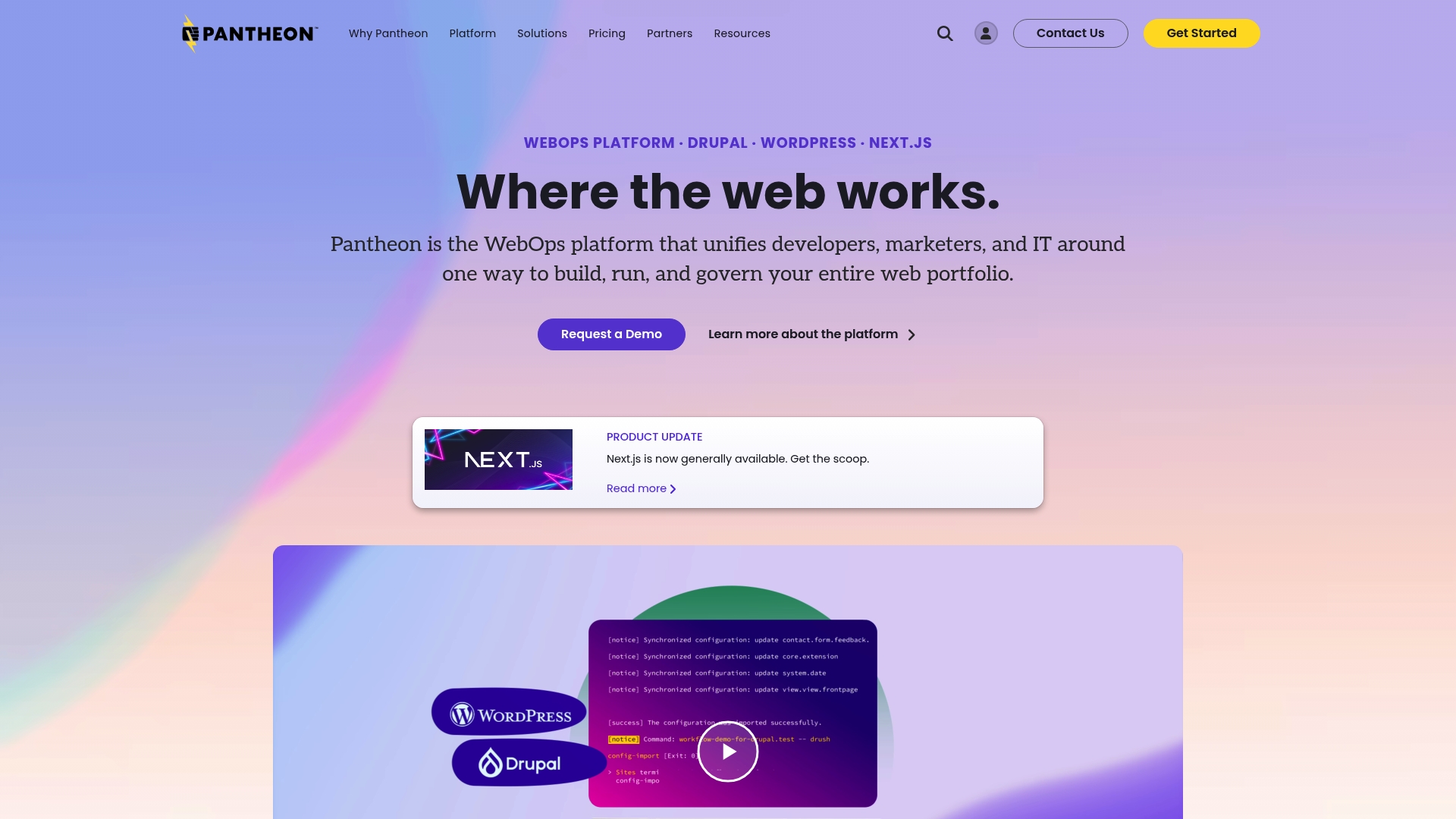
Pantheon WebOps Platform centralizes operations so developers, marketers, and IT teams work from the same playbook for websites of any scale. It blends managed hosting with workflow automation to reduce manual tasks and speed site launches.
Pantheon combines hosting, security, and team workflows into a single platform focused on portfolio management and governance. Key capabilities include Global CDN & WAF, automated updates via autopilot mode, and support for WordPress, Drupal, and Next.js.
Pantheon fits organizations that manage multiple sites or need strict governance across teams. Ideal users include enterprise marketing teams, digital agencies managing client portfolios, and institutions that require high availability and compliance controls.
Pantheon’s strength is in unifying hosting and operational controls so teams move faster without compromising security or governance. The platform is built to manage ecosystems, not just individual sites, which simplifies cross site deployment and disaster recovery.
A university with dozens of departmental websites uses Pantheon to centralize updates, automate deployments, and maintain high availability across regions. This reduces time to launch for new sites and lowers error rates during content publishing cycles.
Pricing details are available upon request or via the plans webpage so you will typically engage sales or view plan pages to get exact costs. The lack of a straightforward price sheet means you should budget time to evaluate total cost of ownership.
Website: https://pantheon.io
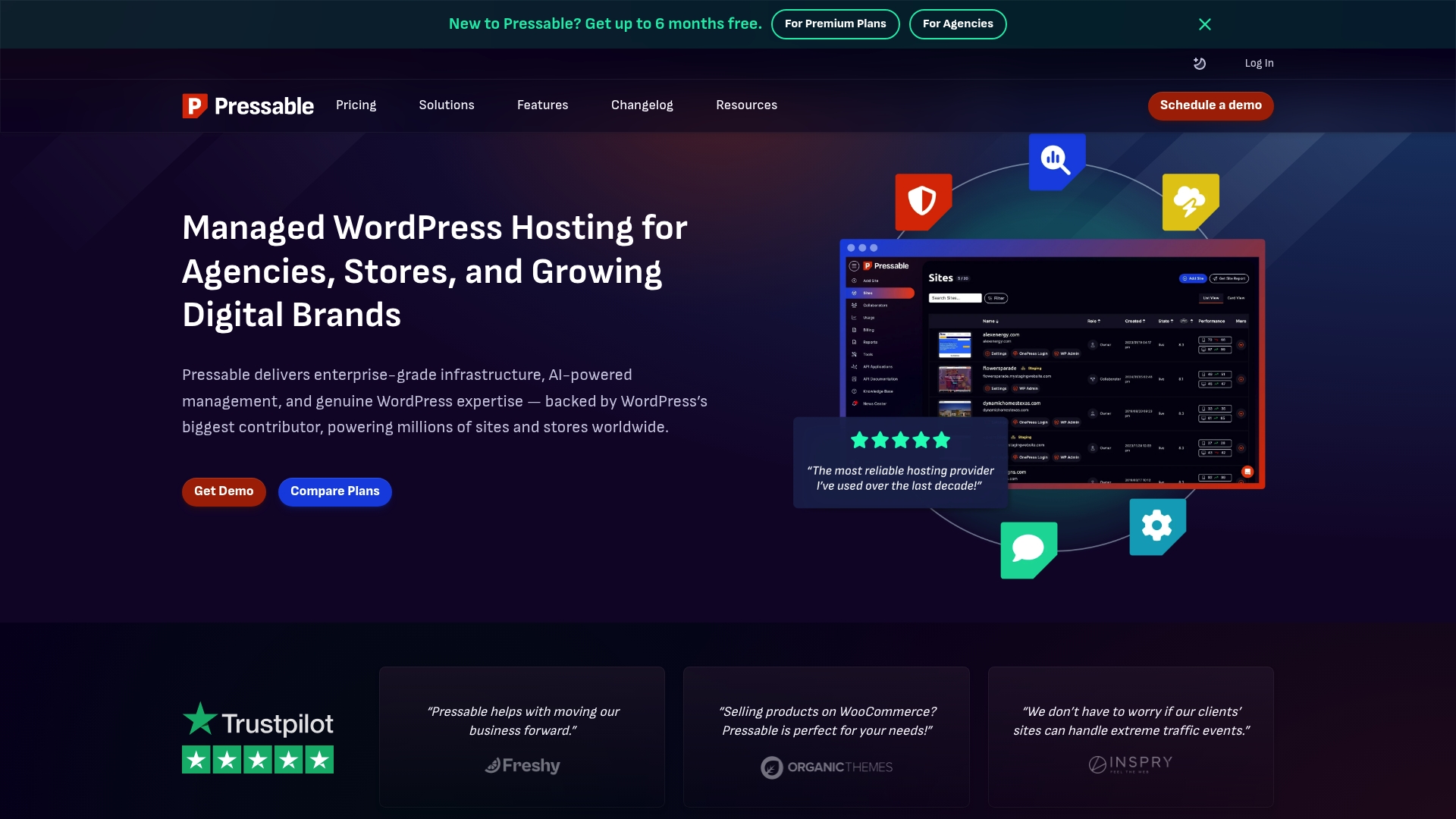
Pressable delivers managed WordPress hosting built on Automattic’s WP Cloud with a focus on performance, security, and expert support. For agencies and growing brands that want reliable uptime and fewer maintenance headaches, it offers a pragmatic, support driven option.
Simple.
Pressable combines AI powered management, global delivery, and WordPress focused security to keep sites fast and safe. The platform targets teams that need managed hosting without replatforming or a steep operations lift.
Lightning fast speeds: The infrastructure and global CDN deliver high performance that helps pages load quickly for visitors across regions.
Reliable 24/7 support: WordPress professionals are available around the clock so your team can resolve issues without long delays.
Scalable plans: Options range from single site plans to enterprise level solutions making growth straightforward to handle.
Transparent pricing: The platform advertises clear pricing and no hidden fees which simplifies budgeting for agencies and business owners.
Free migrations and automated updates: Included migrations and background updates reduce manual work and lower the chance of outdated plugins or core files.
Pricing may be higher compared to basic shared hosting which makes Pressable less attractive for hobby projects or sites with very tight budgets.
Limited to WordPress sites which means it is not suitable if you plan to host non WordPress applications on the same account.
Some advanced features may require technical knowledge to fully utilize so small teams without a developer could face a learning curve.
Pressable is designed for WordPress professionals, agencies, developers, and eCommerce businesses that need managed hosting with strong support. If you run multiple client sites or a high traffic store and want predictable operations, this platform fits well.
Pressable pairs enterprise grade infrastructure with AI powered management and WordPress expertise so teams spend less time on maintenance and more time on growth. That combination is especially useful when uptime and security directly affect revenue.
A digital agency can host dozens of client WordPress sites on Pressable, rely on automated backups and security, and use 24/7 support to free developers for feature work. The result is stable delivery and fewer emergency fixes.
Plans start from $25 per month for single sites with options tailored for agencies, WooCommerce stores, and high traffic sites. Custom enterprise plans are available for large scale or specialized requirements.
Website: https://pressable.com

WPX.net delivers ultra fast managed WordPress hosting focused on speed, security, and support for businesses that need reliable performance. The bottom line: it is a strong fit for business owners and agencies who value quick migrations, proactive security, and fast response times.
WPX.net centers on fast WordPress hosting with CDN, manual free migrations handled by experts, managed security with malware scanning and removal, daily backups, and free speed optimizations. Plans attach global data center options to improve load times for distributed audiences.
WPX.net suits small to mid sized businesses, agencies, and entrepreneurs who need managed WordPress hosting with fast performance and strong support. It fits teams that value hands on migrations and a security first approach over DIY server management.
WPX.net pairs hands on migration services and an experienced support team with a performance first stack and daily maintenance tasks handled for you. That combination reduces technical overhead while keeping sites fast and secure for lead generation and ecommerce.
A digital marketing agency migrates multiple client sites to WPX.net to cut page load times and simplify maintenance. The agency benefits from manual migrations, faster support responses, and bundled security while clients see improved site performance and uptime.
Plans start at $11.99 per month for the basic WordPress plan, with higher tiers for business, professional, and enterprise needs as well as WooCommerce specific options. Longer term prepaid plans offer discounts for upfront commitments.
Website: https://wpx.net
Explore the key features, advantages, disadvantages, and pricing of various managed WordPress hosting platforms to help you make an informed decision.
| Provider | Key Features | Pros | Cons | Pricing |
|---|---|---|---|---|
| MonsterWP | Custom mobile-friendly design, hosting, SEO, PPC options | No DIY stress, transparent pricing, built for performance, includes ongoing support and flexibility options | Limited focus to businesses needing growth-oriented pages | Starts at $299/month; SEO/PPC add-ons available |
| Kinsta | Premium managed hosting focused on speed and expert support | High performance, comprehensive security, 24/7 expert support, automatic backups and staging ability | Higher costs, limited storage on lower plans, additional costs for advanced features | Free starting plans; customizable based on needs |
| Pantheon WebOps | Managed hosting for WordPress/Drupal/Next.js, global CDN, advanced security features | Multi-CMS support, automation for operations, integrated team workflows, recognized in enterprise hosting | Complexity for smaller teams, pricing not public, excessive for single basic-site businesses | Pricing by request, tailored to enterprises |
| Pressable | Managed WordPress hosting powered by Automattic’s WP Cloud, AI-driven management | Lightning-fast speed, free migrations, scalable plans, reliable 24/7 expert support | WordPress specificity limits non-WordPress applications, may require technical knowledge | Starts at $25/month for single WordPress sites |
| WPX.net | Ultra-fast hosting with expert-driven services and strong security measures | High-speed performance, expert migration, inclusive security features, philanthropy work | Complex pricing plans, limited technical detail on site infrastructure | Starts at $11.99/month |
Many business owners face the frustration of overpriced agencies and DIY website headaches when looking for alternatives to wpengine.com. If you want a custom-built, fully managed WordPress website optimized for speed, security, and SEO without long contracts or hidden fees then MonsterWP is designed for you. We solve the common pain point of unpredictable costs by offering transparent monthly pricing starting at $299.

Ready to stop juggling multiple vendors and focus on growing your business? Visit our Pricing & Billing Archives – MonsterWP for clear details and explore answers to your questions in our Common Questions Archives – MonsterWP. Take control of your WordPress presence today with MonsterWP at https://monsterwp.com.
When considering wpengine.com alternatives, prioritize features such as managed hosting, website performance optimization, strong security measures, and responsive customer support. Evaluate how each alternative aligns with your specific needs, whether that’s for scalability, cost, or ease of use.
To find the right alternative, assess your business’s specific requirements, such as site traffic, budget constraints, and technical support needs. Create a comparison chart of potential services to evaluate their offerings and choose one that best fits your criteria.
Yes, many alternatives offer competitive pricing structures that can help you manage costs more effectively. Research each option’s pricing tiers and consider their features, as some may provide better value for similar or expanded capabilities compared to wpengine.com.
Begin the migration process by backing up your website data and ensuring all content is secure. Then, follow the specific instructions provided by the alternative service for transferring your site, which often includes changing DNS settings and verifying configurations, typically within 48 hours.
Yes, quality wpengine.com alternatives often focus on website speed and performance optimization. Look for features like content delivery networks (CDN), caching solutions, and performance monitoring tools to ensure your site runs smoothly.
Customer support is crucial, especially if you’re not technically inclined. Ensure the alternative offers 24/7 support and responsive service channels to address issues quickly and minimize downtime.
Transform your small business website with essential revenue-driven website features. Unlock potential leads and boost conversions today!

Discover what digital visibility means for business growth in 2026. Learn effective strategies to boost your brand’s presence and generate qualified leads.