
Top 3 GoDaddy.com Hosting Alternatives 2026
Explore the top 3 GoDaddy.com alternatives for reliable hosting solutions. Compare to make an informed decision for your business needs.


Finding the right website builder can feel like searching for the perfect workspace. Each option has a mix of tools, styles, and flexible features that appeal to different needs. Some focus on creative freedom while others make technical tasks easier. Whether you want to launch a portfolio, open an online shop, or share your ideas with the world, the choices seem endless. Curious about which platforms are catching attention and excelling in new ways? The next list reveals some impressive alternatives, each with something unique to offer.
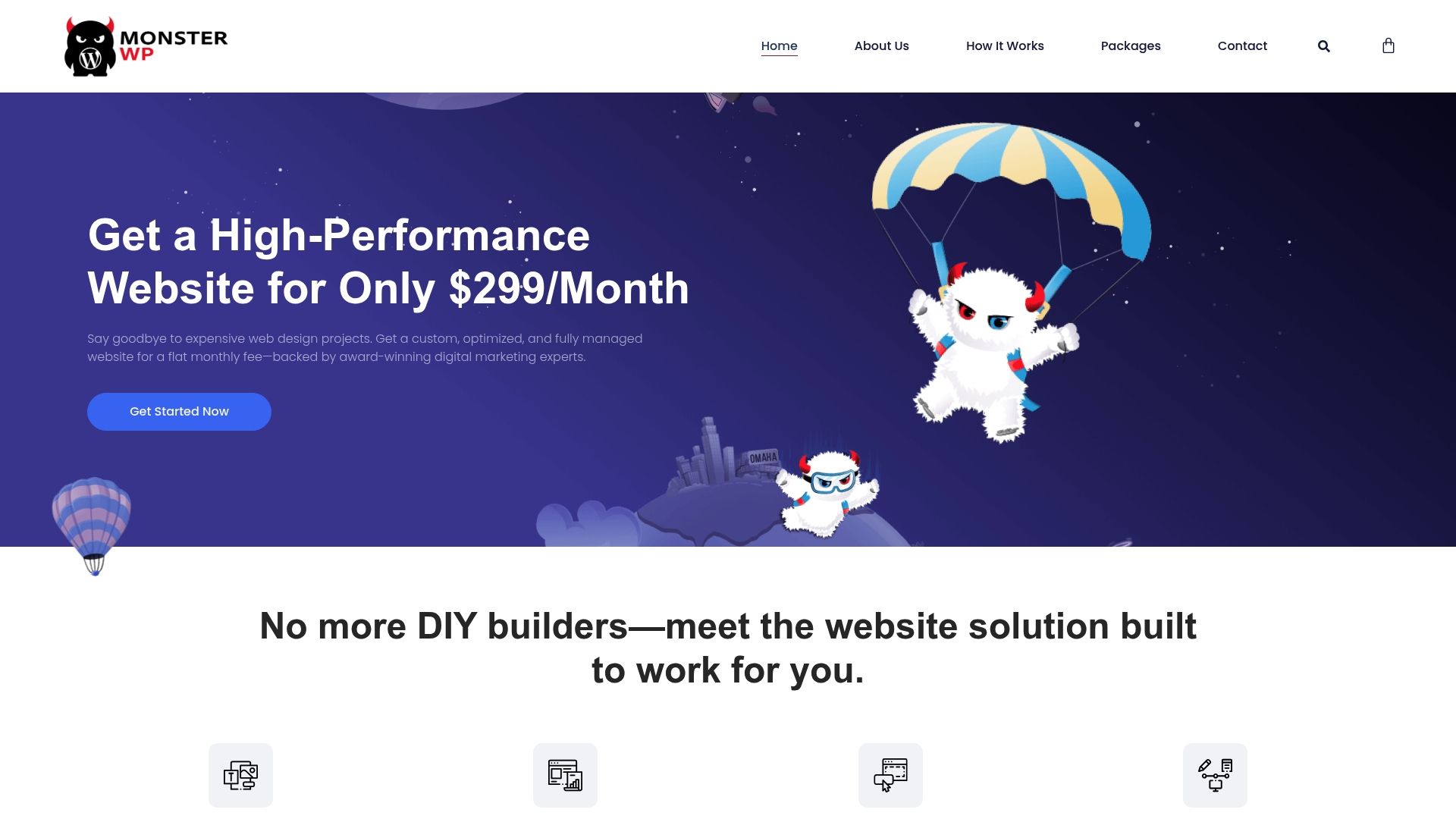
MonsterWP is a fully managed WordPress growth platform that removes DIY headaches and agency markups for business owners. It combines website design, hosting, and ongoing marketing support into a single, predictable plan so you can focus on leads and revenue.
MonsterWP delivers custom, mobile friendly websites built with modern design and day one optimization. The platform emphasizes lightning fast performance, built in SEO including local SEO and Google My Business, and full management with ongoing content revisions.
MonsterWP targets small to medium sized businesses, startups, and service providers that want an affordable, fully managed website with built in SEO and marketing support. It fits founders and local business owners who prefer a hands off approach to web operations and want measurable lead generation without a large agency retainer.
MonsterWP stands out because it bundles design, hosting, and marketing management into a single offering priced from a clear starting point. That makes it superior for buyers who value time savings, predictable costs, and search visibility. The emphasis on daily backups and ongoing revisions positions MonsterWP as a top tier choice for businesses that need reliability and rapid updates without internal IT.
Any perceived limitations such as less published technical detail are an intentional choice to simplify the buying decision and keep offerings focused on growth outcomes rather than a long menu of features. Smart buyers select MonsterWP for the practical upside: fewer vendors, faster launches, and sustained marketing support.
A local restaurant rebrands and expands online presence by moving to MonsterWP. The owner receives a professionally designed, fast, and SEO optimized site that is hosted securely and updated by MonsterWP. The owner stops managing plugins and updates and instead spends time improving menus and local promotions while the site supports increased reservations.
Pricing starts at $299/month for the Custom Website package, with additional packages available for SEO and PPC services as needed.
Website: https://monsterwp.com
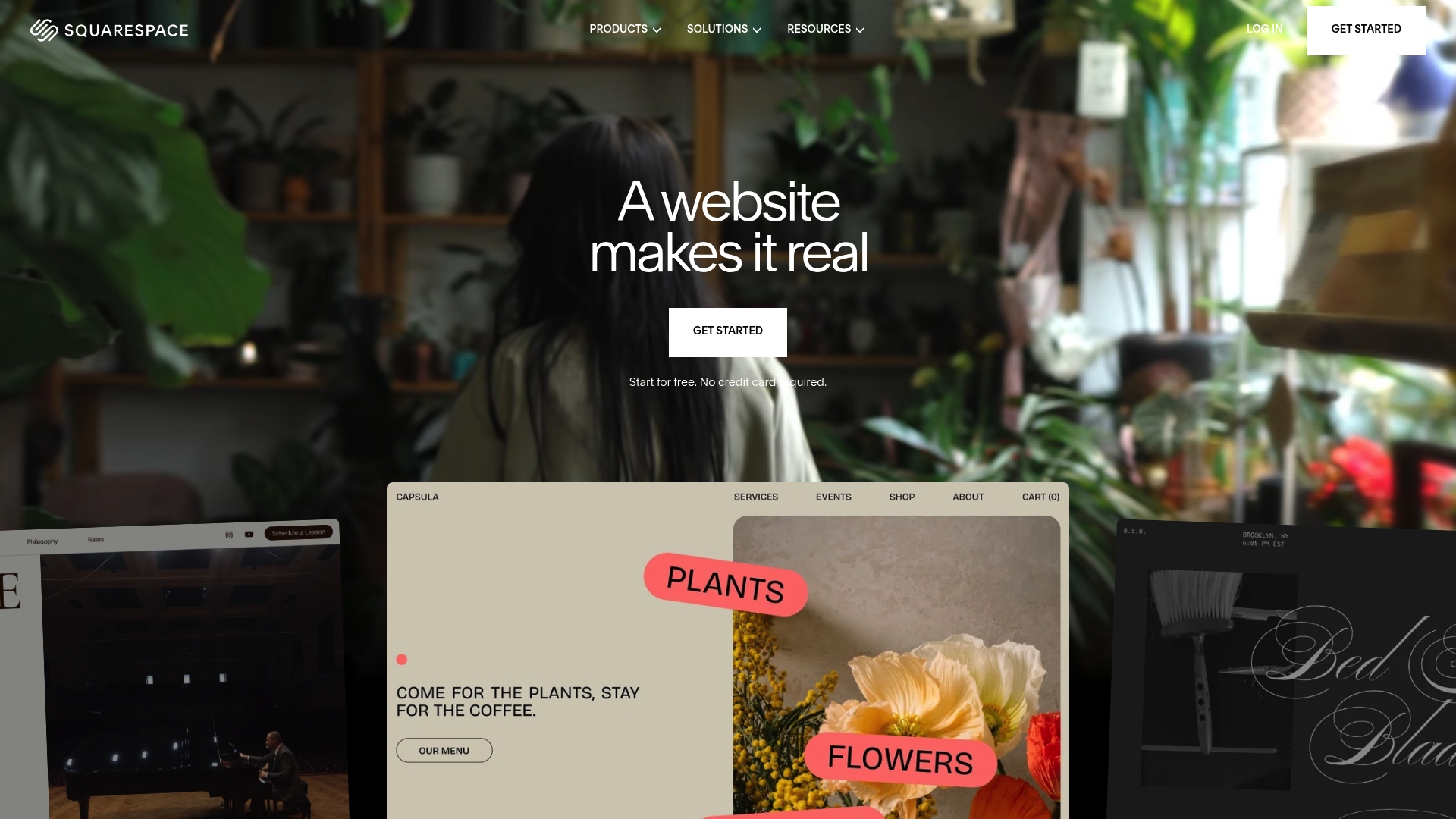
Squarespace delivers a polished, design first website builder that gets businesses online fast with minimal technical hassle. Its combination of templates and AI powered tools makes launching a professional site and store straightforward for owners who do not want to code.
Squarespace provides visual site building with a wide selection of responsive templates and AI assisted content creation to speed setup and copywriting. It includes built in ecommerce capabilities, marketing tools for SEO and email campaigns, appointment scheduling, invoicing, and domain registration with security features.
User friendly editing: The drag and drop builder and clear interface let owners update pages quickly without developer support.
AI assisted site creation: Built in AI tools accelerate page creation and content drafting so you can publish faster.
Complete hosting and security: Hosting, SSL, and domain management are bundled so you do not juggle multiple vendors.
Versatile use cases: The platform supports portfolios, blogs, service sites, and small to medium online stores with built in commerce features.
Robust support resources: Help center articles, webinars, and community forums provide practical guidance when you run into issues.
Higher price point: Subscriptions tend to cost more than basic builders, which raises monthly budgets for small operations.
Template locked customization: Design adjustments outside the preset templates are limited, which can frustrate businesses that need unique branding.
Advanced feature learning curve: More complex integrations and commerce optimizations require time to master and may need outside help.
Squarespace fits founders, creatives, and small business owners who prioritize visual design and an integrated package over deep technical control. If you want a polished site quickly and value built in marketing and commerce, this platform matches your needs.
Squarespace bundles design led templates, AI assisted content tools, hosting, and commerce in a single platform so you avoid coordinating multiple services. That simplicity saves time for business owners focused on sales and customer experience rather than infrastructure.
A boutique retailer can launch an online store, register a branded domain, manage orders and appointments, and run email promotions all from one dashboard. The store owner spends less time on tech and more time curating products and customer service.
Plans start at $16 per month after a free trial with higher tiers that add advanced commerce tools and lower transaction fees for stores. Review plan details to match features to your revenue and traffic expectations.
Website: https://www.squarespace.com
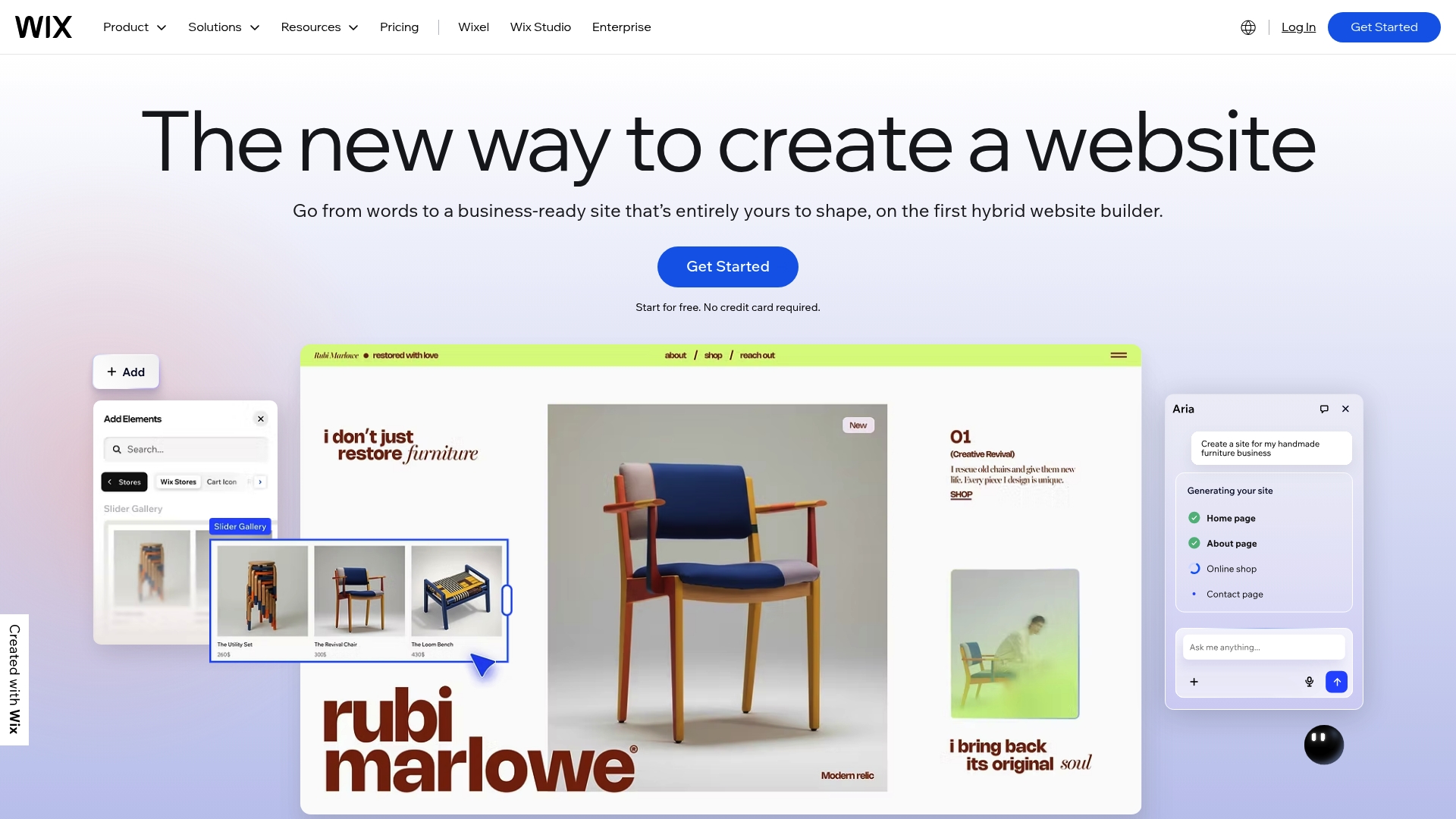
Wix is an AI-powered platform that helps businesses and individuals build professional sites quickly with minimal technical work. It combines visual design tools with built-in business features so you can launch and run a site without stitching together multiple services.
Wix offers intuitive design features, an AI website builder, and more than 900 templates tailored to niches from portfolios to restaurants. It includes eCommerce, scheduling, blogging, portfolio tools, domain registration, secure hosting, and enterprise-grade security.
Wix fits individuals and small to medium-sized businesses that need an intuitive, all-in-one website solution with AI assistance. It suits business owners who want to manage marketing, bookings, and sales from one dashboard without hiring a developer.
Wix stands out by combining a broad template selection with AI-driven setup and integrated business features. You get a single platform for design, hosting, security, and commerce, which reduces vendor management and speeds time to revenue.
A small boutique uses Wix to run its online store, handle reservations for in-person appointments, and push email promotions. The owner manages inventory, bookings, and marketing from one dashboard, freeing time for product sourcing and customer service.
Plans start with a free tier that includes Wix branding, and paid plans range from $17 per month to $159 per month depending on features and scale. Choose the plan that matches your traffic and commerce needs and budget for premium apps if required.
Website: https://wix.com
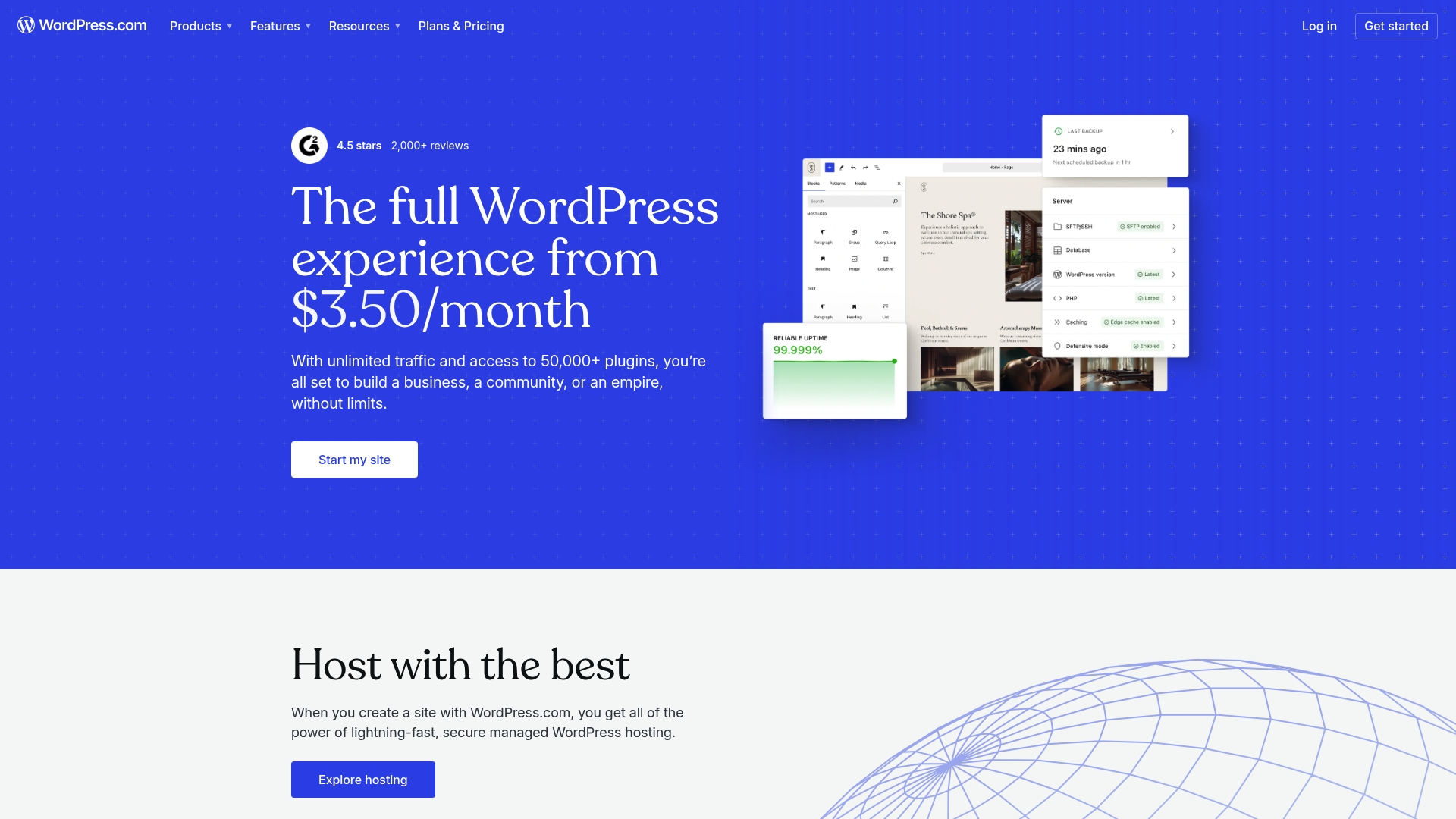
WordPress.com combines website building and managed hosting with a suite of tools for blogging, e-commerce, and enterprise content management. It balances ease of use for beginners with scalable options for businesses that need reliability and security.
WordPress.com provides website building and hosting, custom domain management, and a library of themes and templates for visual design. Plugins and patterns extend functionality, and AI website builder features help speed initial setup and automate routine tasks.
WordPress.com fits individuals, small to medium enterprises, and larger organizations that value managed hosting and a clear upgrade path. Business owners who want a dependable hosting provider with content management capabilities will find this a sensible option.
WordPress.com offers a unified package of hosting, domain services, security, and design tools so you spend less time managing infrastructure. The platform’s ability to scale from a personal blog to enterprise sites makes it a single vendor for growth without frequent platform changes.
A small business uses WordPress.com to run an online store that showcases products, accepts payments, and handles orders while relying on managed hosting and security. The team focuses on product pages and marketing instead of server maintenance.
A free basic plan is available and paid upgrades start at $2.75 per month and go up to over $250 per month for enterprise solutions. Pricing tiers match increasing access to themes, plugins, security, and enterprise management.
Website: https://wordpress.com
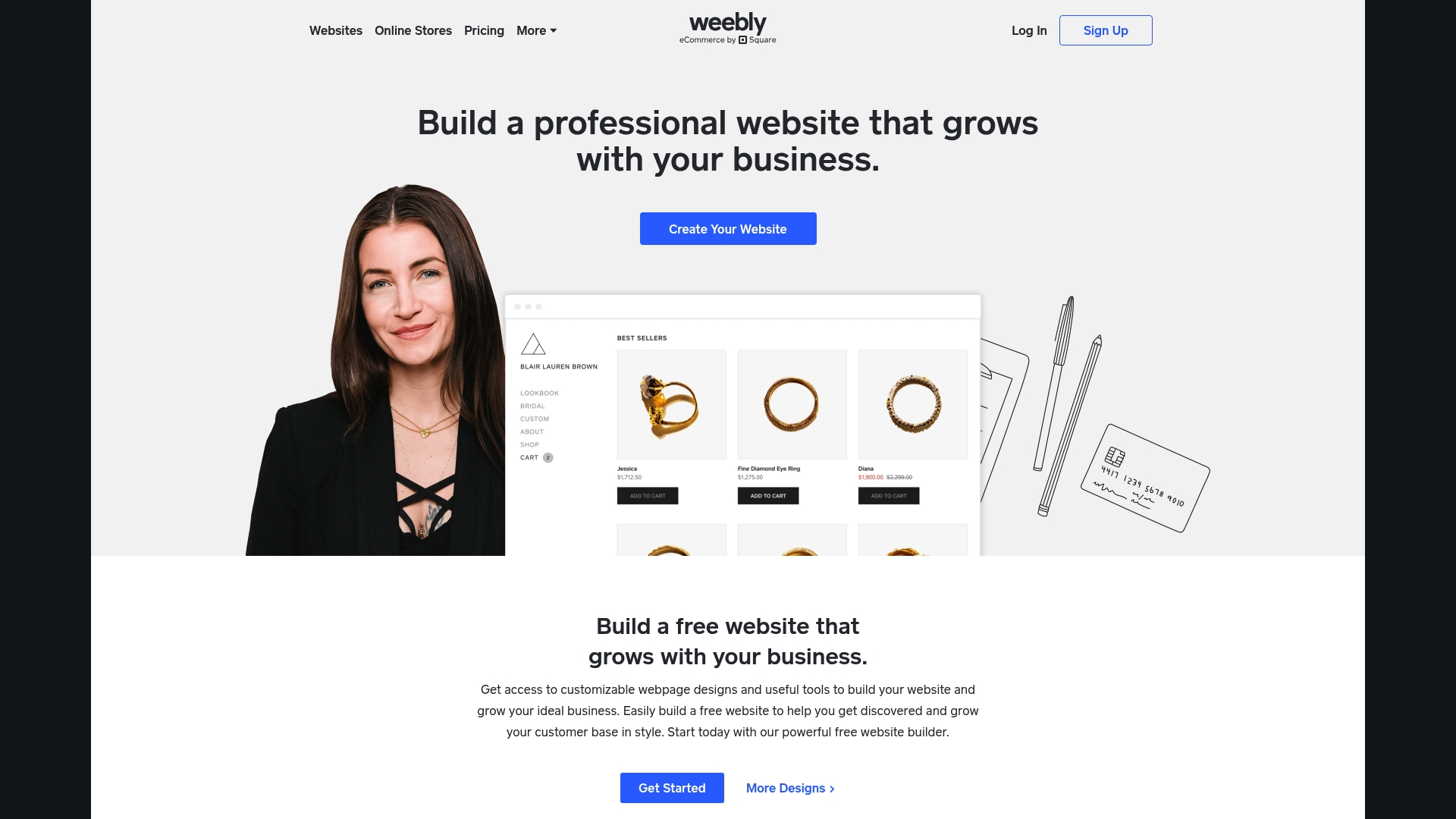
Weebly is an easy to use website builder that combines simple editing with built in eCommerce and marketing tools for small businesses. As part of the Square product suite, it streamlines payments and order management for owners who want a single vendor solution.
Weebly offers customizable templates, built in eCommerce tools, and integrated marketing tools such as email campaigns and social media connections. The editor favors speed and clarity over deep design control.
The platform also provides SEO guidance, inventory controls, coupon support, and a help center plus community forums to assist nontechnical users. Analytics and basic reporting help you track traffic and sales without hiring outside support.
Weebly suits small to medium sized business owners, boutique retailers, and solo entrepreneurs who prioritize speed and simplicity over deep customization. Owners who want to manage products, payments, and marketing without juggling multiple vendors will find this platform practical.
Business teams focused on lead generation and predictable monthly costs will appreciate the straightforward plans and minimal technical maintenance.
Weebly’s most distinct advantage is its tight integration with Square, which consolidates payments, inventory, and sales reporting in one place. That reduces setup friction for business owners who want an all in one commerce and website solution.
The platform trades advanced customization for faster launches and lower upfront complexity, so you get a working store quickly without agency fees.
A local boutique owner can build product pages, manage inventory, accept Square payments, and run email promotions to recover abandoned carts and increase repeat purchases. Many owners launch an online store in days and begin tracking customer behavior within the first month.
Weebly offers a free plan and paid plans starting at $10 per month for Personal, $12 per month for Professional, and $26 per month for Performance. Plans can be billed annually or month to month to match your cash flow and project timeline.
Website: https://weebly.com

Shopify is an all in one commerce platform built for entrepreneurs and businesses that need to sell online and in person. It combines a website builder with multi channel selling tools and a powerful checkout to help businesses scale fast.
Shopify centers on a polished website builder and themes plus robust multi channel selling for online sites, POS, social media, and marketplaces. It also provides a checkout system optimized for conversions, inventory and order management, and integrated marketing and analytics tools.
Shopify fits entrepreneurs and retail businesses that need a scalable commerce engine without building from scratch. It works for small boutiques launching online and for larger merchants expanding channels and geographic reach.
Shopify packages storefront building, point of sale, and channel distribution in a single platform backed by a large app ecosystem. That combo reduces platform fragmentation and gets you selling quickly with room to grow.
A boutique uses Shopify to run its online shop and a physical store. The business launches products on the site, accepts in person payments with POS, and runs social media campaigns tied to inventory reporting and analytics to track results.
Plans start at $29 per month for the Basic plan with higher tiers for growing and large businesses. Additional fees may apply for certain payment gateways or third party apps which raise monthly costs.
Website: https://shopify.com
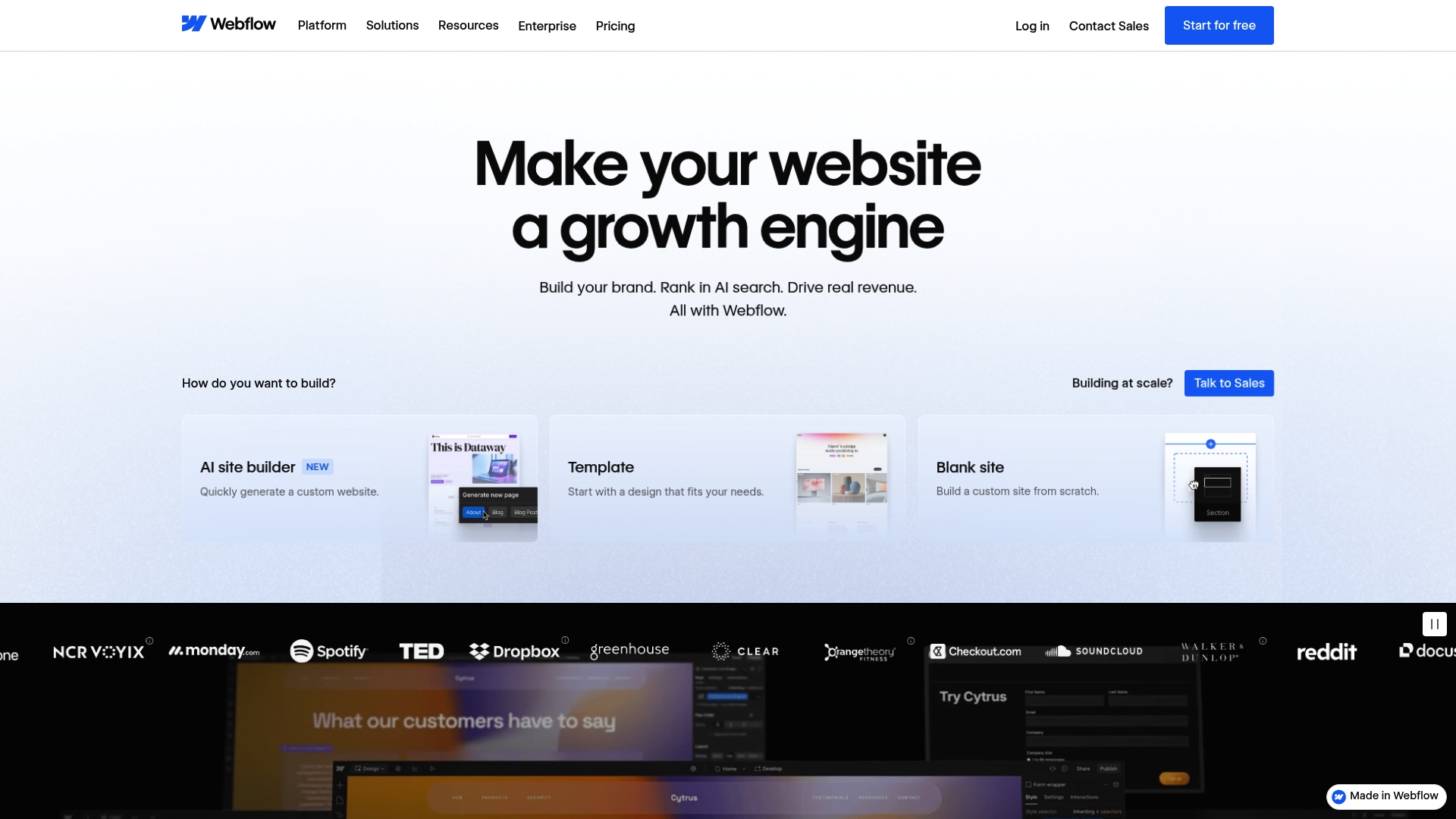
Webflow is a design-first web platform that combines visual editing tools with hosting, a content management system, and built in AI features. It suits teams that need design flexibility plus the ability to manage content and scale without juggling separate vendors.
Webflow lets you design and build responsive websites visually while maintaining access to flexible custom code and API hooks. The platform includes a structured content management system (CMS), hosting with uptime and security features, SEO and AI optimization tools, localization options, and team collaboration with comments and access controls.
All in one platform with design, hosting, and content management: You get design tools, CMS, and hosting in a single product, reducing vendor overhead and integration work.
Powerful integrations including AI and automation tools: Built in AI features and integrations let marketing teams automate optimization and speed up content workflows.
Scalable plans for small teams to large enterprises: Pricing tiers and enterprise options support growth from a single site to a multi client setup.
Flexible custom code and API access: Developers can extend sites with custom scripts and connect to external services through APIs.
Strong collaboration and client management features: Team comments, workflows, and access controls help agencies manage client reviews and approvals.
Learning curve for advanced features can slow adoption for teams used to simple drag and drop builders.
Pricing can be high for small projects or startups that need many paid features to get full value.
Some features require paid plans, which makes trialing advanced capabilities more limited on the free tier.
Designers, marketers, developers, and agencies that want a single platform to build, host, and optimize client sites will benefit most from Webflow. Organizations that value pixel perfect control and versioned collaboration will see the biggest gains.
Webflow delivers visually driven site building with production ready hosting and a structured CMS so teams avoid stitching multiple tools together. The platform emphasizes design fidelity while offering programmatic extensions and AI powered optimization for marketing and technical workflows.
A digital marketing agency uses Webflow to design and host client sites, manage campaign content inside the CMS, run SEO and AI driven optimization for search visibility, and coordinate revisions with clients through built in collaboration features.
Plans start from free for basic features with paid options beginning at $14 per month and enterprise solutions available at custom pricing. The free tier allows basic testing while commercial features and scaling require paid plans.
Website: https://webflow.com
Explore key features, pros, cons, and pricing to choose the right platform for your business or personal project.
| Product | Core Features | Pros | Cons | Pricing |
|---|---|---|---|---|
| MonsterWP | Fully managed solution including design, hosting, SEO, and content revisions. | Predictable flat monthly fee; optimized for SEO performance; hands-off website management. | Limited technical customization; geared towards non-technical users. | $299/month starting |
| Squarespace | Design-first builder with responsive templates, AI tools, ecommerce features, and domain services. | User-friendly editing; complete hosting package; versatile use cases across personal and business needs. | Higher pricing tiers; restricted customization beyond templates. | $16/month starting |
| Wix | AI-powered platform with extensive templates, drag-and-drop design tools, and integrated business features. | Fast site launches; broad template selection; all-in-one dashboard for marketing and commerce management. | Limited control for developers; premium features raise costs. | $17/month starting |
| WordPress.com | Website builder with managed hosting and scalability from blogs to enterprise sites. | User-friendly; scalable plans for varying needs; secure and global delivery features. | Free plan and basic tiers exclude advanced options. | $2.75/month starting |
| Weebly | Square-integrated ecommerce platform with a focus on simplicity and speed. | Easy interface; integration with Square; favorable pricing tiers for small businesses. | Limited design flexibility; templates may require tweaks for modern looks. | $10/month starting |
| Shopify | Commerce platform for online and offline selling with multi-channel capabilities and broad scalability. | Easy setup; strong ecosystem for apps and tools; supports global sales. | Transaction fees outside Shopify Payments; rising costs for growing stores. | $29/month starting |
| Webflow | Design-focused system with custom code & API options plus CMS for structured content management. | Visually driven control; full CMS integration; scalable for designs and clients. | Learning curve for advanced features; premium plans needed for full features. | $14/month starting |
If you find yourself frustrated by Squarespace’s template limitations and higher price points yet want a fully managed solution that truly supports your business growth, MonsterWP is designed for you. We understand the challenge of balancing affordability, performance, and hands-off website management. MonsterWP offers custom WordPress websites optimized for speed, security, and SEO from day one along with unlimited content updates and real marketing support.

Ready to move beyond template-locked customization and costly monthly plans? Explore how MonsterWP removes DIY headaches and expensive agencies with our all-in-one WordPress platform. Visit Website & Design Archives – MonsterWP to see how we deliver growth-focused websites starting at $299/month. Take control of your online presence now at https://monsterwp.com and get started with a digital engine that works without constant babysitting.
Many platforms are considered alternatives to Squarespace.com, including website builders that prioritize design and eCommerce capabilities. Research options like Wix, Shopify, and Weebly to find a platform that best aligns with your specific needs.
To choose the ideal Squarespace alternative, evaluate your key requirements such as design flexibility, eCommerce features, and budget. Create a checklist of essential features and compare platforms against it to help you make an informed decision.
Yes, you can migrate your existing Squarespace site to another platform, although the process may vary by platform. Back up your content and follow the new platform’s migration guidelines to ensure a smooth transition.
When searching for alternatives to Squarespace, focus on features such as user-friendly design tools, responsive templates, eCommerce integration, and SEO capabilities. Prioritize platforms that provide comprehensive customer support to assist you when needed.
Assess the performance of a Squarespace alternative by evaluating site speed, uptime, and search engine optimization capabilities. Use metrics and analytics tools to track your site’s performance regularly and adjust your strategy as needed.
Yes, several alternatives to Squarespace offer free or low-cost tiers, allowing you to start building a website without a significant financial commitment. Explore platforms like WordPress.com and Wix, which provide basic services at little to no cost to help you evaluate their ease of use and features.
Explore the top 3 GoDaddy.com alternatives for reliable hosting solutions. Compare to make an informed decision for your business needs.

Unlock the power of content optimization strategies that drive results. Discover how to enhance rankings, leads, and revenue effectively!