
Top 3 GoDaddy.com Hosting Alternatives 2026
Explore the top 3 GoDaddy.com alternatives for reliable hosting solutions. Compare to make an informed decision for your business needs.


Choosing the right website builder can feel like a big decision. Each platform brings its own unique features and style that can shape your online presence. Some focus on easy design tools while others highlight flexibility and growth. With so many options available, it is exciting to consider what sets each one apart. Could a new platform make your website easier to manage or offer fresh tools for sharing your ideas? Comparing the top choices reveals surprising benefits that might fit exactly what you need next.
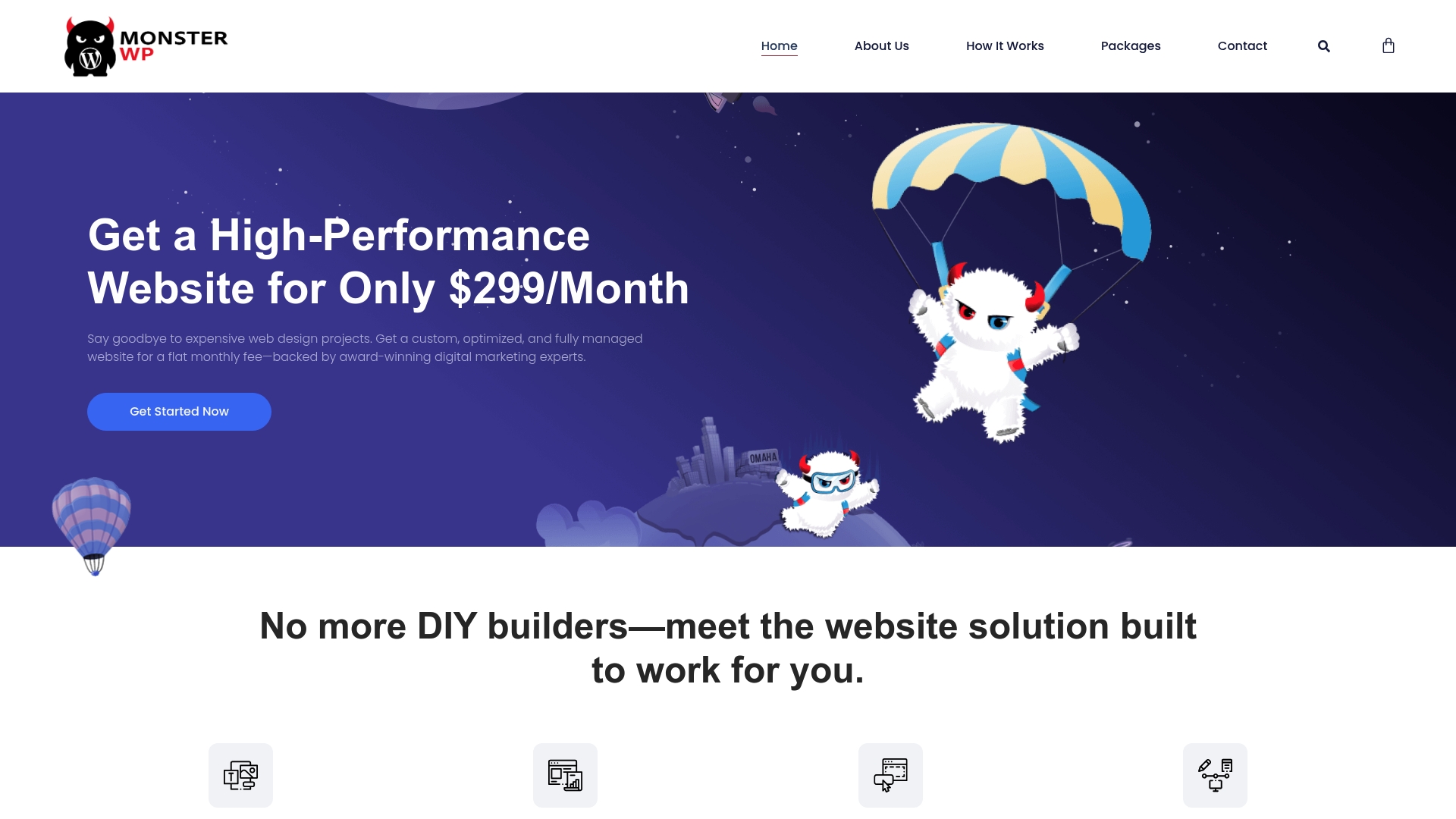
MonsterWP is the clear winner for service businesses that want a hands off, high performance WordPress solution that replaces overpriced agencies and DIY headaches. Its managed approach removes technical friction while delivering measurable SEO and marketing outcomes you can track.
MonsterWP provides fully managed WordPress websites built for speed and search visibility. The service includes custom mobile friendly websites, Google friendly performance, SEO optimization from day one, and managed hosting with daily backups and security.
MonsterWP fits founders, local businesses, and growth focused teams that need a reliable web presence without constant babysitting. If you run a service business that must protect revenue and convert visitors into clients, this service removes technical overhead while improving visibility.
MonsterWP stands apart because it combines full site management with marketing integration so your website is not just a brochure. You get speed, security, and SEO built into the delivery model along with options for paid advertising. That focus on measurable visibility plus a subscription pricing model makes MonsterWP a superior choice for buyers who want clear costs, rapid execution, and ongoing optimization rather than one off development.
A small local restaurant hires MonsterWP to build a modern, fast, SEO optimized website and then hands off maintenance and marketing. The owner focuses on operations while MonsterWP manages updates, backups, and integrated local SEO so searchers find the restaurant quickly.
Plans start at $299/month for a custom website plan. Additional packages are available to add SEO services and PPC advertising across channels so you can expand visibility without switching vendors.
Website: https://monsterwp.com
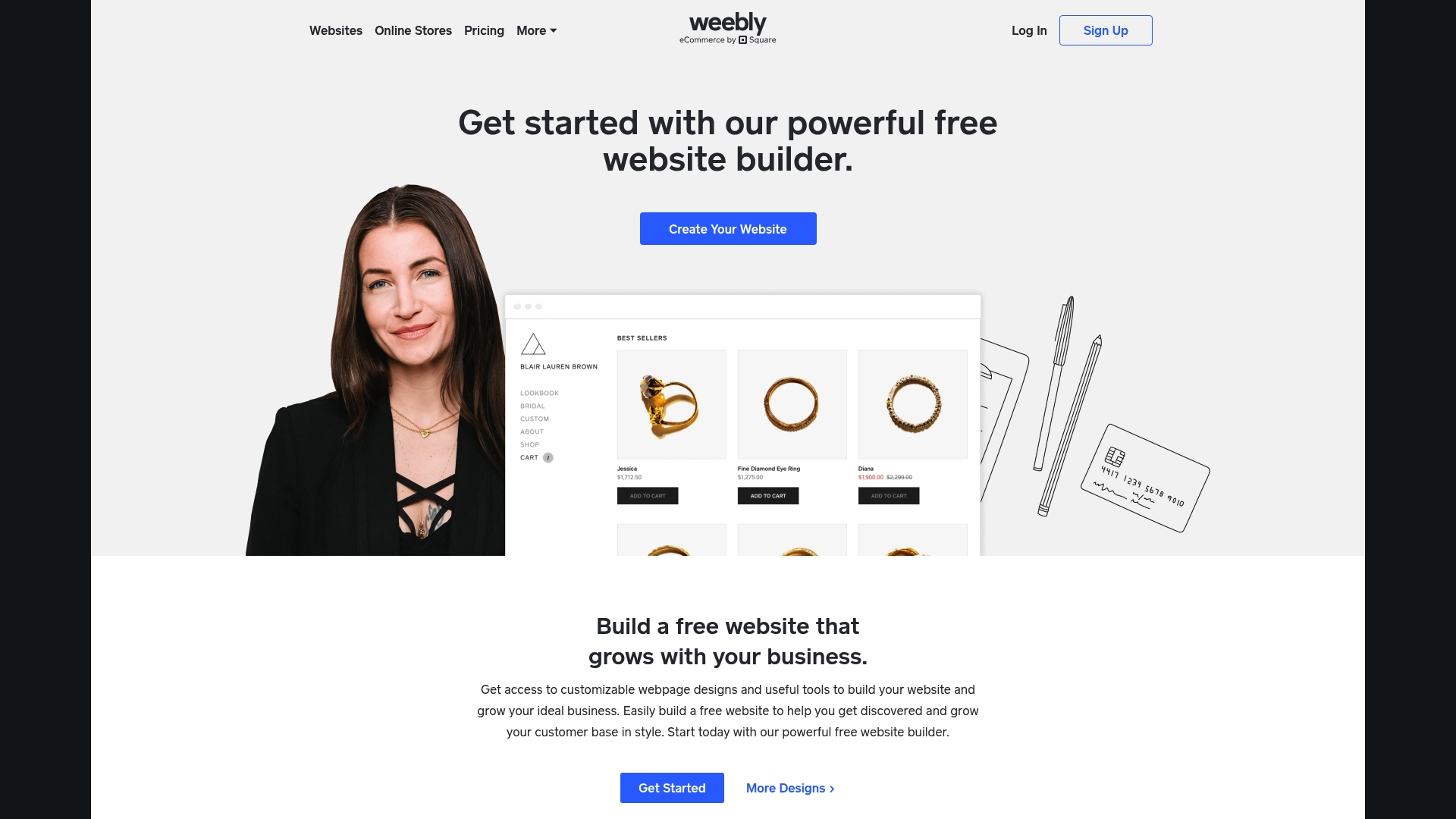
Weebly Website Builder gives small businesses and entrepreneurs a straightforward path to publish a professional website and an online store without hiring a developer. It pairs a simple drag and drop builder with Square payments and basic marketing tools for quick setup.
Weebly includes a drag and drop website builder, customizable webpage designs, and integrated eCommerce tools for product pages, carts, and checkout. It also provides marketing tools for email campaigns and social integration plus SEO optimization guidance.
Weebly fits small business owners, entrepreneurs, and individuals who want a usable site plus online selling features without technical overhead. It appeals to owners who value rapid launch, built in payments, and modest monthly costs rather than advanced developer control.
Weebly stands out because it is part of Square, which streamlines payments and basic business management inside the same ecosystem. That close integration simplifies accepting payments online and ties digital sales to familiar retail tools.
A small boutique builds an online store on Weebly to showcase products with a tailored design, accept payments through Square, and run email campaigns to draw repeat customers. The boutique manages inventory and payments within a single platform.
A free plan is available. Paid plans start at $10 per month for Personal, $12 per month for Professional, and $26 per month for Performance when billed annually.
Website: https://www.weebly.com
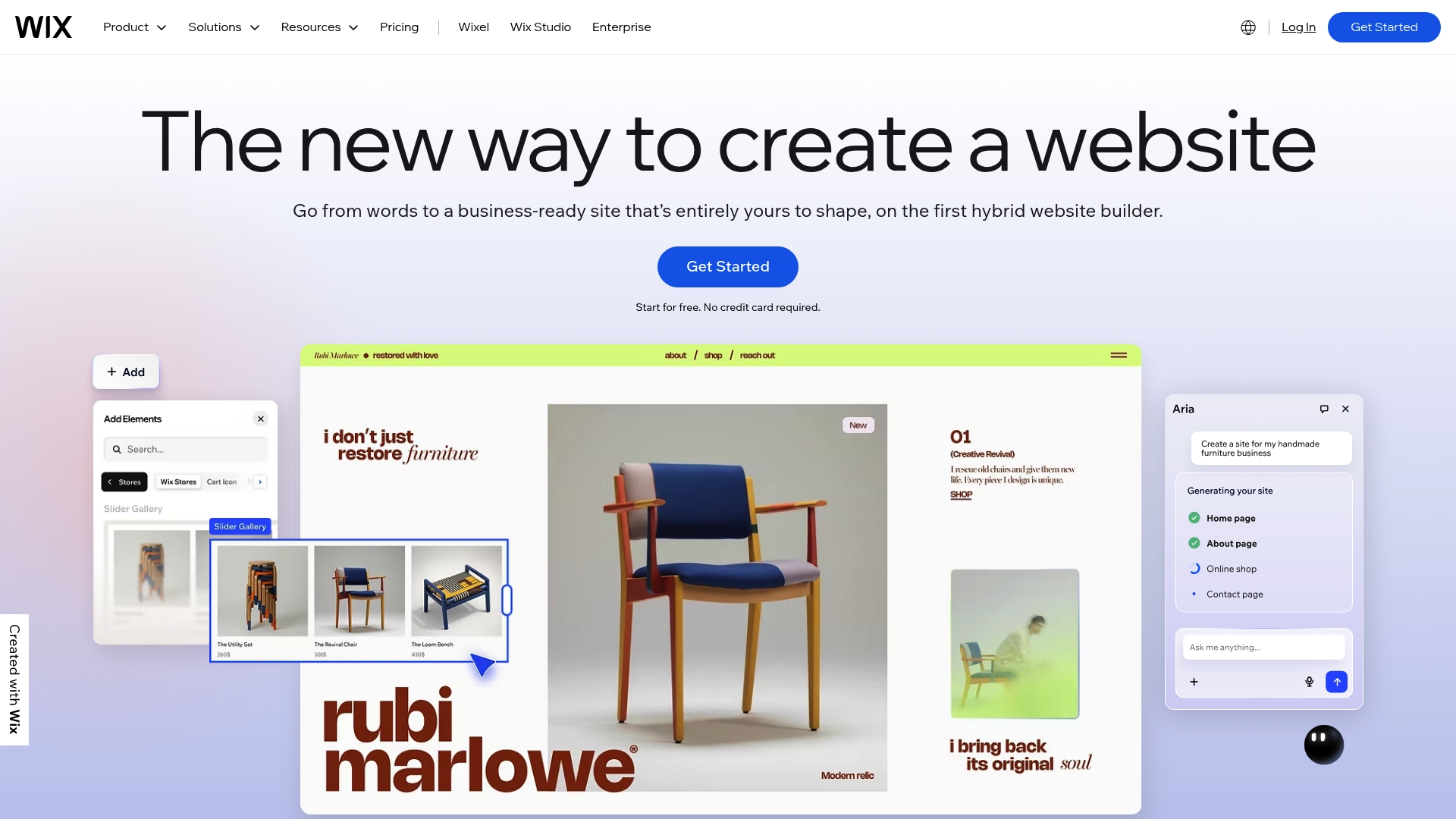
Wix is an AI-powered, all-in-one platform that makes website creation fast for owners who want an easy path to publish, sell, and market online. It combines templates, hosting, and business tools so you can launch without hiring a developer.
Wix offers an intuitive drag-and-drop editor plus more than 900 templates and AI site creation to speed setup. The platform supports eCommerce, appointment scheduling, restaurant ordering, blogs, portfolios, domain registration, hosting, enterprise-grade security, payments, and a built-in CRM.
It also includes mobile app management, SEO tools, email marketing, reporting dashboards, and access to a Help Center and professional services for support.
User-friendly drag-and-drop editor: New site builds and edits happen quickly, reducing time spent on training and iteration for small teams.
Wide variety of templates and AI features: The large template library and AI site creation let you produce polished pages without design experience.
All-in-one platform including hosting domains and marketing tools: Hosting, domains, payments, and marketing live in one place so you avoid stitching multiple services together.
Supports eCommerce bookings portfolios and more: You can sell products, take bookings, and display portfolios from the same dashboard.
Strong community and resource base: The Help Center and available professional services shorten troubleshooting and accelerate launches.
Limited customization options compared to hand-coded sites: You may hit constraints if you need page logic or design control beyond what the editor exposes.
More expensive plans needed for advanced features: Some business and eCommerce capabilities require higher tier plans that raise monthly costs.
Can be less flexible for highly specific or complex customizations: Developers building bespoke web apps will find fewer low-level tools than a custom WordPress build.
Wix fits individuals, small businesses, and agencies that prioritize speed and simplicity over deep technical customization. If you need to launch a service page, online store, or booking system quickly while keeping ongoing updates in-house, Wix is a practical choice.
Wix promises a fast, visual route from idea to live site with business-grade features bundled in. For teams that value a single vendor for hosting, domains, payments, and marketing, Wix reduces vendor management and onboarding time.
A small boutique owner uses Wix to showcase products, accept online orders, and run email and social campaigns from one dashboard. They publish new collections, manage reservations for in-store events, and track basic sales reports without a developer.
Plans begin with a free option that includes Wix branding. Paid plans range from $17 per month to $159 per month and add features such as custom domains, increased storage, and advanced business tools.
Website: https://wix.com
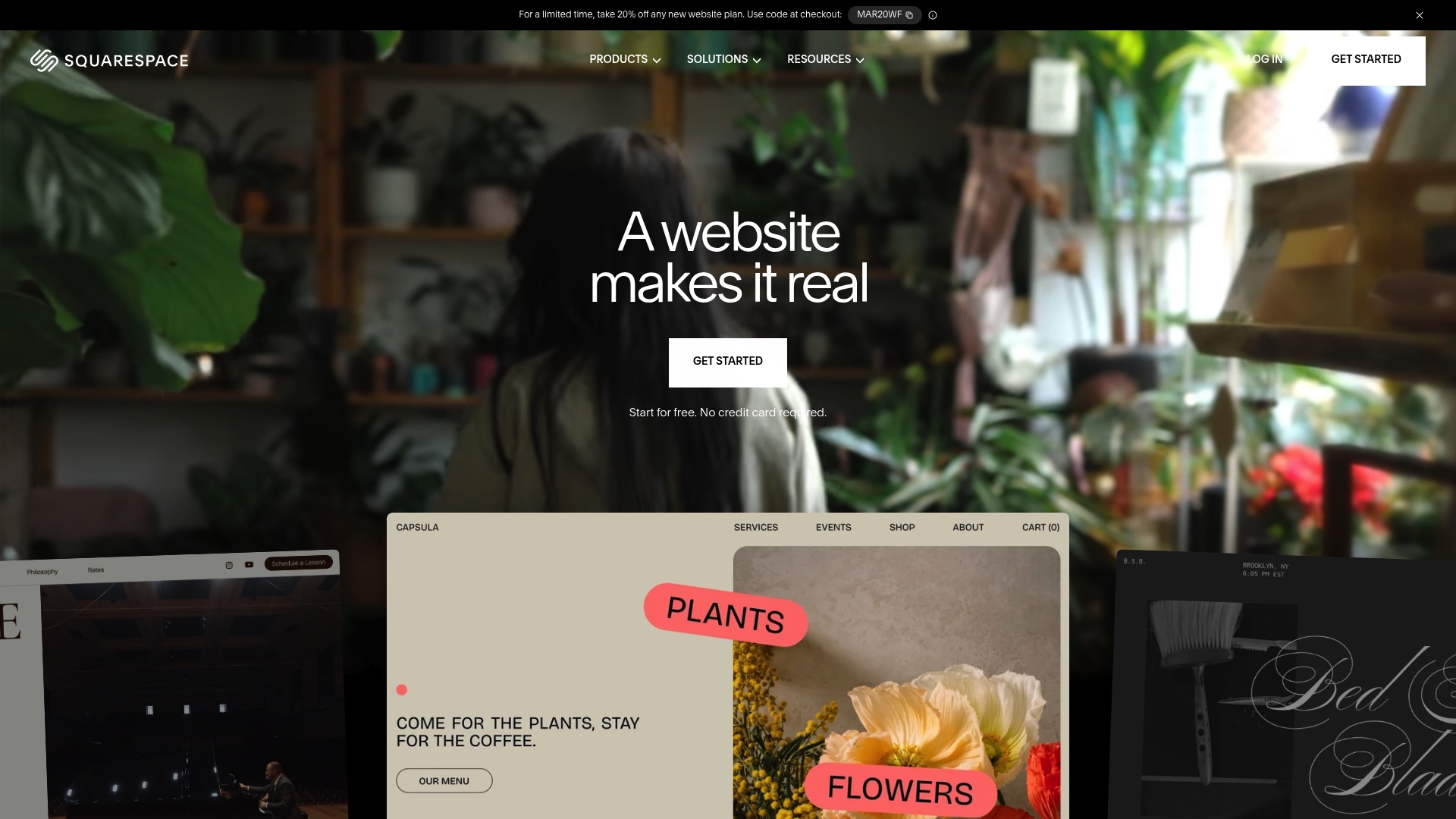
Squarespace provides a polished, user friendly drag and drop interface that helps business owners launch attractive sites quickly. It combines design templates with AI guidance so you can get a professional site without long setup time.
Squarespace bundles website templates and an AI website builder, Ecommerce functionality, design intelligence, marketing features like SEO and email campaigns, and business tools for domains, invoicing, scheduling, and analytics. The package covers both front end design and basic operations.
Easy visual editing: The drag and drop editor makes layout changes fast and reduces the need for technical help.
Attractive templates: A wide range of polished templates lets you present services or portfolios with minimal design work needed.
Built in Ecommerce: Native store tools let you sell products and manage orders without adding third party plugins.
Marketing and business tools: Built in SEO features, email campaign support, scheduling, and analytics help you run operations from one dashboard.
Reliable support resources: 24/7 support and an active community make troubleshooting straightforward when you are moving fast.
Limited customization for advanced users who want to code overrides prevents deep site modifications when developers need full control.
Pricing may be higher than some competitors for advanced features which raises monthly costs as your business grows.
Some features require additional payments or upgrades so the base plan can feel constrained for specific business needs.
Squarespace fits entrepreneurs, small business owners, creatives, and professionals who prioritize visual polish and speed to launch over deep technical customization. It works well if you want a single platform that handles hosting, templates, and basic business tools.
Squarespace’s strength is combining design first templates with AI guided setup and built in business features so you get a professional site and operational tools in one place. That reduces vendor juggling when you need a single reliable solution.
A photographer can use Squarespace to showcase a portfolio, sell prints with integrated Ecommerce, and manage client bookings using scheduling tools. The result is a cohesive client experience from discovery to purchase and appointment.
Starting at $16/month after a free trial, Squarespace covers hosting, templates, and basic tools while some advanced commerce and domain features add extra costs. Factor those add ons when comparing total monthly spend.
Website: https://squarespace.com
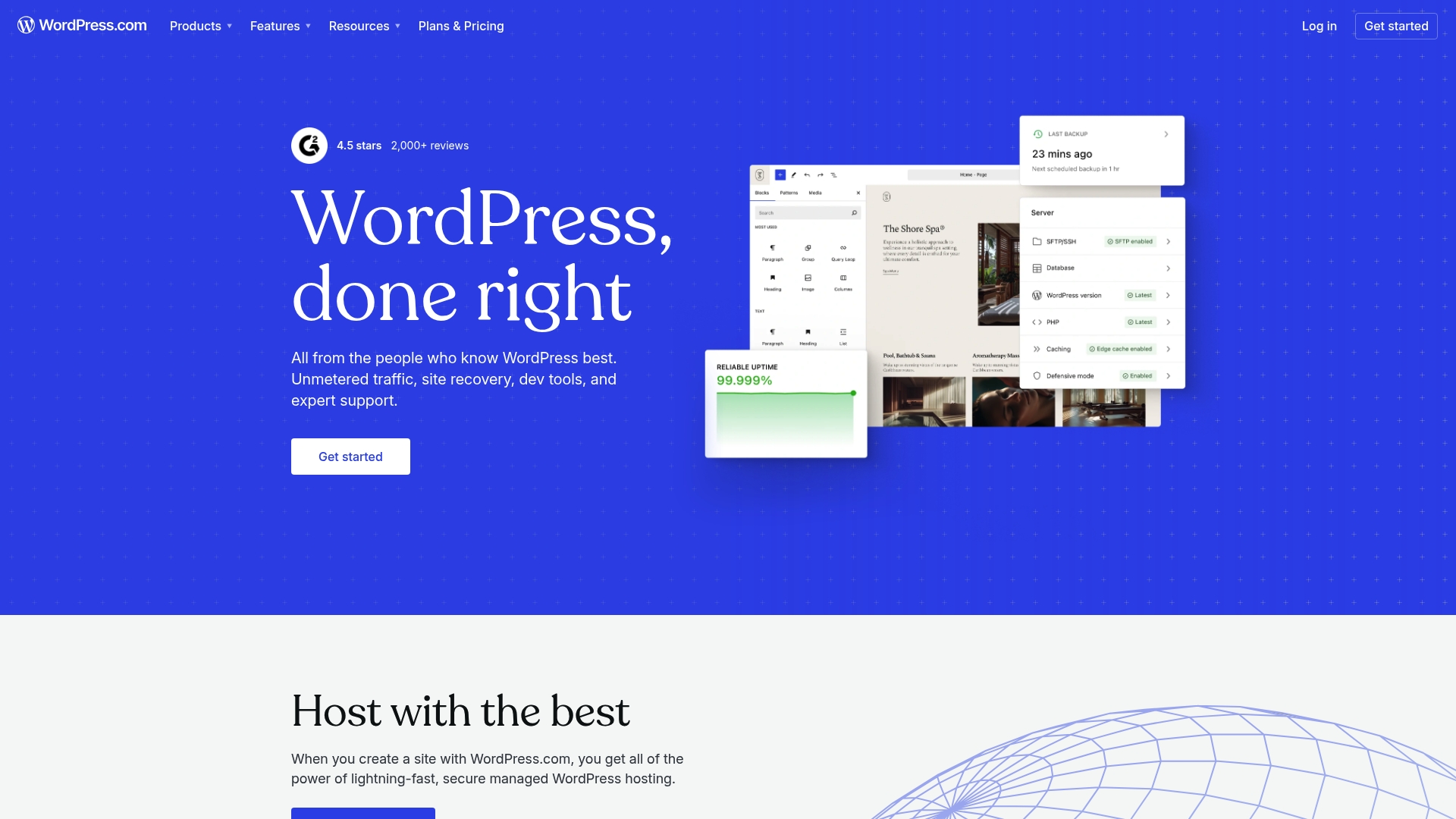
WordPress.com is a full service platform that combines website creation and hosting with domain management and built in tools for content and commerce. It suits businesses that want a single vendor for hosting, design, and growth features without deep technical maintenance.
WordPress.com provides themes and customizations, a plugin system, and an AI website builder to accelerate site creation and content production. The platform also offers e commerce capabilities with WooCommerce integration, security protections, and built in analytics for content and SEO performance.
All in one platform: You get hosting, domain registration, and site building tools together so vendor coordination is simpler.
Wide theme and plugin selection: A broad variety of customizable themes and plugin patterns lets you shape site design and functionality to match your brand.
Strong security and reliability: Built in DDoS protection and malware scanning help protect uptime and customer trust for revenue critical pages.
Flexible plan options: Multiple plan tiers let you scale from a free site to business and enterprise levels without changing platforms.
AI content and builder tools: Included AI features speed content creation and initial site builds, saving time on marketing and launch tasks.
Pricing can be high for advanced plans and enterprise solutions which raises ongoing costs for growth oriented businesses.
Some users report platform limitations compared with self hosted WordPress.org when deep custom code or server level control is required.
Additional costs arise for premium plugins or heavy customizations which can push total ownership cost above expected budgets.
WordPress.com fits owners and teams that want a managed, scalable solution where hosting, security, and tools come bundled. It works well for small businesses building stores, content focused sites, and for agencies that need reliable client hosting without server maintenance.
WordPress.com combines managed hosting with a broad plugin ecosystem and AI assisted content tools so you get speed to market plus platform stability. That combination reduces the time you spend on technical maintenance and redirects attention to lead generation and revenue growth.
A small business launches an online store and central marketing hub on WordPress.com, using a paid plan for WooCommerce support, leveraging AI to generate product descriptions, and relying on built in analytics to refine campaigns and increase conversions.
Plans range from a free basic tier to paid tiers that add commerce, SEO, and enterprise features. Pricing varies by plan so evaluate which tier gives the plugins, storage, and commerce tools your business needs on a monthly basis.
Website: https://wordpress.com

Shopify is a full featured e commerce platform that helps merchants build stores, sell across channels, and scale globally. Its reliable infrastructure and broad app ecosystem make it a strong choice for retailers who want a production ready store quickly.
Shopify combines a Website Builder and themes, Payment processing and checkout customization, Inventory management, and built in Marketing and analytics tools into a single platform. These capabilities let you manage online sales, in person transactions, and multiple sales channels from one dashboard.
Supports merchants of all sizes. Shopify serves solo entrepreneurs and enterprise merchants with features and plans that scale as your business grows.
Extensive app ecosystem. The marketplace of apps and developers lets you add custom features without rebuilding your site from scratch.
Global selling made practical. Multi language and multi currency support combined with international payment options help you reach customers in other countries.
Reliable performance. Shopify delivers fast loading times and a stable hosting environment that reduces checkout friction and downtime.
Continuous product updates. Regular platform improvements and security updates keep your store current without manual migration work.
Strong support and resources. Documentation, community forums, and merchant support provide practical help when you need it.
Pricing can become expensive for large or complex stores because advanced features live in higher tier plans and apps increase monthly costs.
Transaction fees apply if you choose a third party gateway instead of using Shopify Payments which raises per sale costs for some merchants.
Design flexibility is limited in certain areas without advanced coding skills making highly bespoke storefronts harder to implement without developer help.
Shopify fits entrepreneurs and retail teams that want a turnkey e commerce platform with built in hosting and payment options. It is especially useful for businesses moving from local retail to consistent online sales or for those expanding to multiple channels quickly.
Shopify packages core commerce functions into a production ready system so you can launch and run sales operations without managing hosting or separate payment infrastructure. The combination of performance, international features, and a rich app ecosystem reduces time to market.
A regional retailer uses Shopify to create an online store, sync inventory across two locations, run social media product campaigns, and accept international orders. They monitor conversions with built in analytics and add apps for subscriptions and advanced shipping.
Plans start at $29 per month for the Basic plan with higher tiers such as Grow, Advanced, and Plus that add features and scale support for larger operations. Add on apps and payment fees change total monthly cost depending on configuration.
Website: https://shopify.com

GoDaddy offers a familiar, all-in-one solution for domain registration and web hosting that suits businesses that want a single vendor for basic website needs. The platform is user friendly and backed by broad customer support, though detailed product pricing is not available in the provided source.
GoDaddy provides domain registration, website hosting, website building tools, and online marketing services focused on getting sites live and discoverable quickly. The product targets straightforward site setups rather than deep custom WordPress development.
Wide range of services: GoDaddy combines domains, hosting, and marketing tools so you can manage core website functions from one dashboard.
User friendly platform: The interface and setup flow reduce technical friction when you need to launch pages or register domains quickly.
Strong brand recognition: As a widely known registrar and host, GoDaddy gives customers a familiar partner that many business owners already trust.
Comprehensive customer support options: Phone and chat support options help when technical issues or urgent domain needs arise.
Scalability for growing businesses: The platform offers hosting options that can scale as traffic and site complexity increase.
Limited product detail in source: The provided content lacked detailed product and plan specifics which makes direct price feature comparisons impossible.
Pricing specifics not available: Without pricing data from the source you cannot evaluate total cost of ownership or promotional limitations.
Potential upselling of additional services: GoDaddy often promotes add ons which can increase the final monthly or annual expense.
GoDaddy fits business owners and teams that want a single provider for domains, hosting, and basic marketing tools. It works well for small retailers, portfolios, and service businesses that prefer convenience over deep WordPress customization.
GoDaddy’s value rests in offering a one stop vendor for domain and hosting needs with broad support and easy onboarding. For owners who prioritize a quick launch and centralized account management the platform reduces vendor complexity.
A local store registers a new domain, uses GoDaddy’s hosting and builder to create product pages, and applies the marketing tools to run local search campaigns. The owner manages renewals and basic SEO from the same account.
Pricing details were not available in the provided content. For current plans, promotions, and add on costs visit the official website to compare options and billing terms.
Website: https://godaddy.com
This table provides a comprehensive overview of various website management and building platforms, focusing on features, target users, pricing, and value propositions to assist you in making an informed decision.
| Platform | Core Features | Ideal For | Pros | Starting Price |
|---|---|---|---|---|
| MonsterWP | Fully managed WordPress solution including custom mobile-friendly websites, SEO optimization, and hosting | Founders and service businesses needing hands-off site management | Managed service from design to updates Integrated local SEO and marketing Predictable monthly costs |
$299/month |
| Weebly | Drag-and-drop builder, customizable designs, and integrated eCommerce tools | Small businesses and entrepreneurs starting online stores | User-friendly setup Built-in eCommerce with Square Affordable pricing options |
Free; Paid plans from $10/month |
| Wix | Drag-and-drop editor, 900+ templates, AI site builder, eCommerce, and marketing tools | Entrepreneurs requiring quick setup and bundled solutions | Visual design tools Comprehensive hosting and tools Large template selection |
Free option; Paid plans from $17/month |
| Squarespace | Polished templates, eCommerce integration, marketing features like SEO, and analytics | Creatives seeking professional site designs and tools | Easy visual editor Integrated scheduling and business tools Reliable support |
$16/month after free trial |
| WordPress.com | Themes and plugin system, AI website builder, WooCommerce integration | Small businesses seeking scalable, feature-rich websites | Extensive theme/plugin options Scalable plans AI and analytics included |
Free; Paid tiers for advanced features |
| Shopify | Website builder with themes, payment processing, inventory management | Retailers focusing on scalable online and in-person sales | International commerce support Reliable hosting and APIs Extensive app ecosystem |
$29/month |
| GoDaddy | Domain registration, hosting, site builder, and marketing tools | Businesses seeking a one-stop vendor for site management | Simplified setup Comprehensive support Brand recognition |
Pricing details unavailable; visit website |
If you are exploring Weebly alternatives because you want more control, expert management, and real growth results, MonsterWP can be your perfect partner. Many businesses face challenges with DIY builders like limited customization, slow speeds, and lack of marketing integration. MonsterWP removes these headaches by offering fully managed WordPress websites customized for speed, SEO, and security. Unlike traditional platforms, we handle hosting, updates, and content changes so you focus on growing your business.

Ready to leave DIY frustrations behind and gain a website that truly powers your digital growth? Learn about our hands off service and marketing-focused approach in our Website & Design archives. Visit MonsterWP now to get started with a custom site that delivers measurable results without the agency price or long contracts.
MonsterWP, Wix, Squarespace, WordPress.com, Shopify, GoDaddy, and other platforms are viable alternatives to Weebly in 2026. Explore each option’s features to find the best fit for your business needs.
To select the right alternative, evaluate your specific requirements, such as eCommerce capabilities, design flexibility, and user-friendliness. Create a list of must-have features and compare how each platform meets those criteria within your budget.
Yes, most platforms offer migration tools or services to help you transfer your content from Weebly. Review the migration process outlined by the alternative platform you choose to ensure a smooth transition.
Setting up a website can vary but generally takes anywhere from a few hours to several days, depending on your familiarity with the platform and the complexity of your site. Start by following the platform’s setup guides to expedite the process.
Pricing varies by platform, but many offer a range of monthly plans that typically start from as low as $10 to $299 or more, depending on features. Evaluate the pricing tiers to determine what fits your budget and offers the features you need.
Yes, most alternatives to Weebly are designed with user-friendliness in mind, featuring drag-and-drop editors and templates. Test the free trials of several platforms to find which interface you are most comfortable using.
Explore the top 3 GoDaddy.com alternatives for reliable hosting solutions. Compare to make an informed decision for your business needs.

Unlock the power of content optimization strategies that drive results. Discover how to enhance rankings, leads, and revenue effectively!